The risks of sharing one ChatGPT or Claude account at work, and what to do instead (2026)
What can go wrong when several people use one ChatGPT Plus or Claude Pro login: the terms, mixed chat history and memory, training settings, one usage limit, security alerts and offboarding. Then what a team can use instead.

Sharing one ChatGPT Plus or Claude Pro login among coworkers breaks both companies' terms, and both can suspend or close an account that does it. Even if nothing happens on that front, a shared login has everyday costs: everyone reads everyone's chats, the assistant's memory mixes what each person told it, one person controls whether the conversations train the models, five people split one usage limit, and when someone leaves the only way to remove them is to change the password. A team gets the same models without these problems from a plan with one account per person: ChatGPT Business, Claude Team, Google Workspace with Gemini, or a team app such as Endless.
This guide lists each risk with the provider's own words, then the options. We make Endless, so read that section with that in mind. What each option costs for a team of five is in our separate guide on how to share an AI subscription with your team, so we don't repeat the price tables here.
How we checked
We read OpenAI's and Anthropic's terms, help centers and pricing pages on 26 November 2026 and quote them as they read on that day. Where a provider's page doesn't say something, we leave it out.
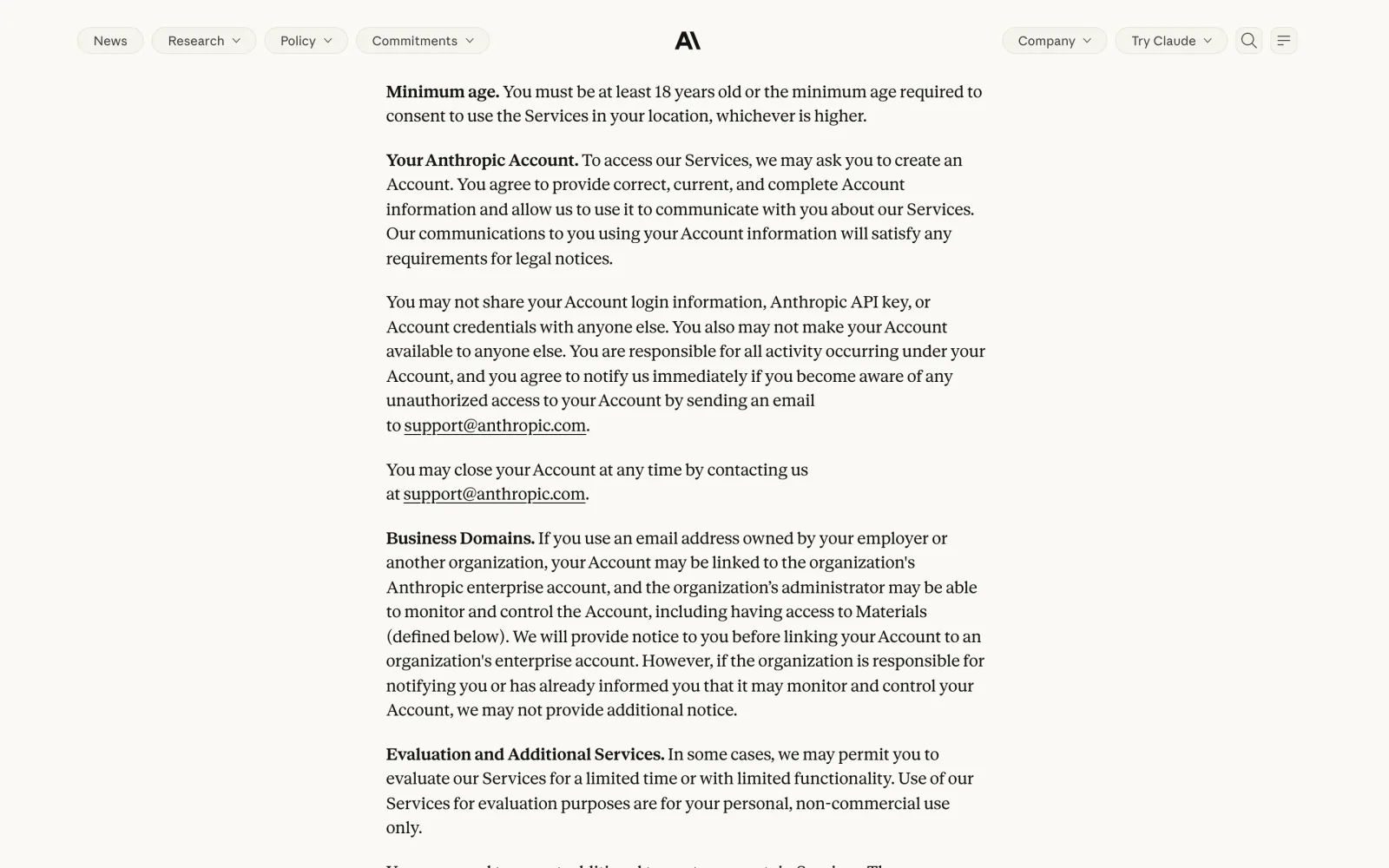
1. The terms forbid it
OpenAI's Terms of Use, effective 1 January 2026, say: "You may not share your account credentials or make your account available to anyone else." They also say you "are responsible for all activities that occur under your account", and that OpenAI can "suspend or terminate your access to our Services or delete your account" if it finds a violation. OpenAI's account sharing policy says an account is meant for the individual who created it, and its Business pricing page says Free, Go and Plus "are designed to be used by individuals."
Anthropic's Consumer Terms, effective 8 October 2025, say: "You may not share your Account login information, Anthropic API key, or Account credentials with anyone else. You also may not make your Account available to anyone else." Anthropic "may suspend or terminate your access to the Services (including any Subscriptions) at any time without notice" if it believes you breached the terms, and in that case "you will not be entitled to any refund."
In practice the person whose name is on the account carries the risk for everyone who uses it: they are responsible for what colleagues type, and they lose the account, its history and the rest of the subscription if it's closed.
2. Everyone sees everyone's chats and memory
A shared login has one chat history, so every colleague can open every conversation, including the ones about salaries, a client's numbers or a personal problem.
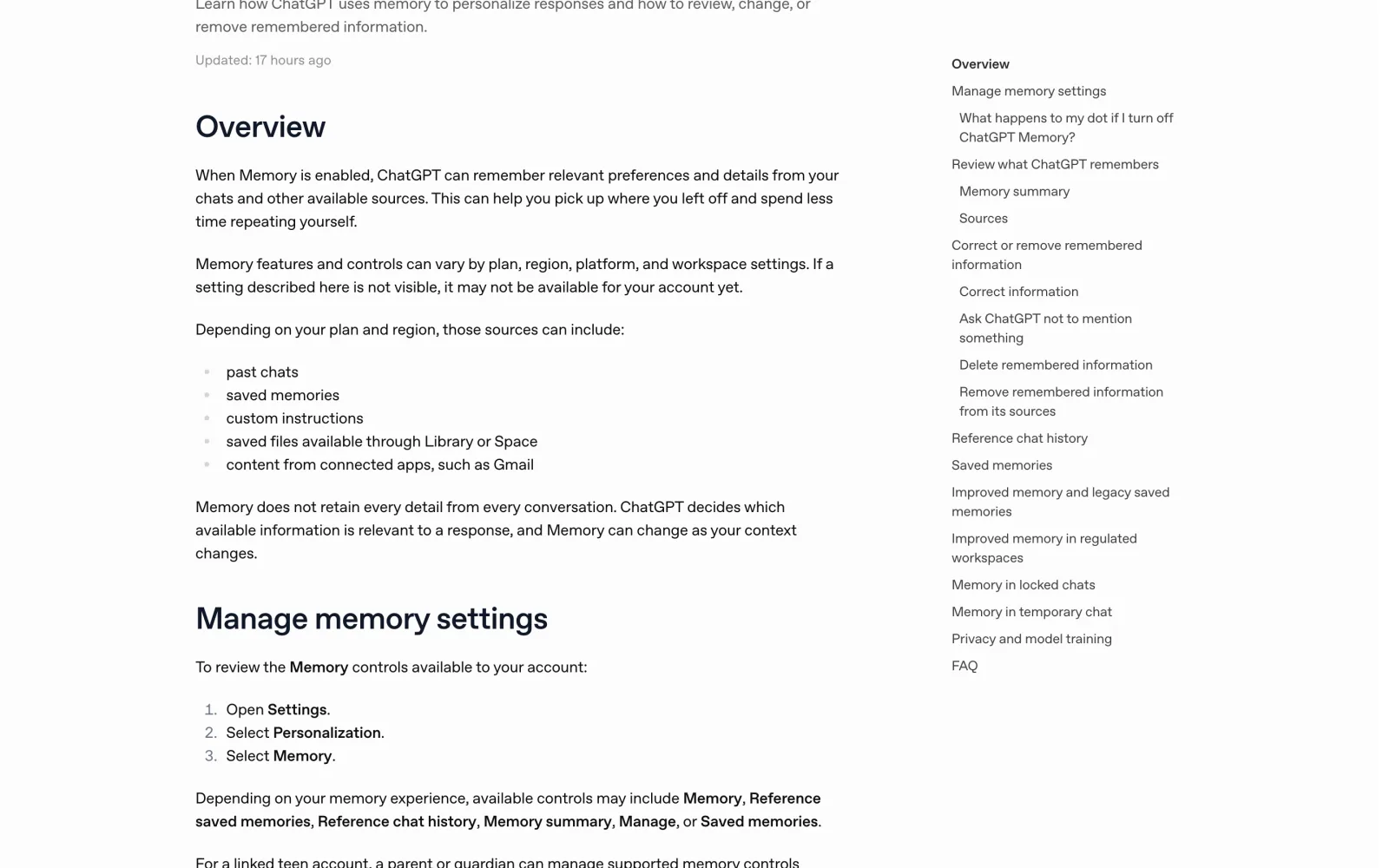
Memory makes it harder to notice. OpenAI's help article on memory says ChatGPT can remember "relevant preferences and details from your chats", and that those sources can include past chats, saved memories, custom instructions, saved files, and "content from connected apps, such as Gmail." On a shared login all of that is everyone's. One person's custom instructions shape the others' answers, and if someone connects their own mailbox, the assistant can draw on it in a colleague's chat.
Claude works the same way. Anthropic's help article on chat search and memory says memory "is on by default for Free, Pro, Max, and Ultra plans", that Claude saves memory "as you chat", and that on paid plans you can ask it to search your previous conversations. Each project has its own memory, but Claude can also use what it learned in a project in chats outside it. With one login, those are five people's conversations feeding one memory.
3. One person's privacy setting applies to everyone
On a personal plan, whether the chats help train the models is a setting on the account, and anyone who can log in can change it.
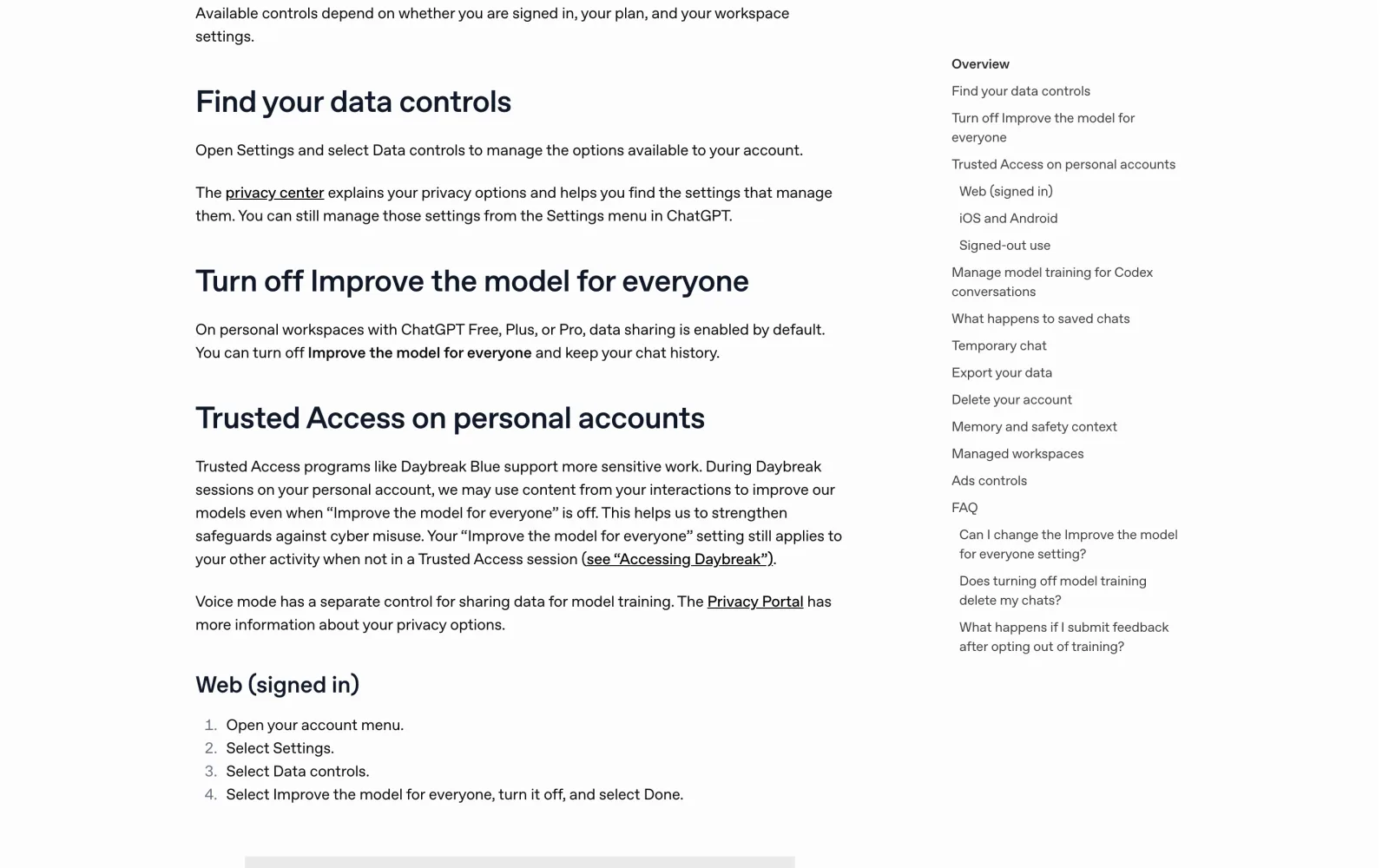
OpenAI's data controls article says: "On personal workspaces with ChatGPT Free, Plus, or Pro, data sharing is enabled by default." The setting is called Improve the model for everyone. Even with it off, OpenAI's training FAQ says that on Free, Plus and Pro, giving a thumbs up or down on a response lets OpenAI "use the entire conversation associated with that feedback to improve our models." On a shared login, any colleague can do that on any chat.
For Claude Free, Pro and Max, Anthropic's privacy center says it uses chats to improve its models if you allow it in the Help improve Claude setting, and its retention article says that when you allow it, Anthropic "may retain your data in a de-identified format for up to 5 years."
The business plans start from the other default. OpenAI says it doesn't use content from ChatGPT Business, Enterprise or Edu to train its models by default, and Anthropic says the same of its commercial products such as Claude for Work.
4. Five people share one usage limit
A personal plan's limit belongs to the account. Anthropic's usage limits article says paid plans have "a session limit that resets every five hours, and weekly limits that reset once every week", and that use of claude.ai, Claude Code and Claude Desktop "counts towards the same usage limit." Five people on one Pro login spend one five-hour allowance between them. OpenAI's ChatGPT Plus article says Plus "may include usage limits such as message caps, especially during high demand", and the account sharing policy adds that limits can depend on "your account activity."
On Claude Team, Anthropic's Team plan article says the opposite: "Usage limits on Team plans are per-member, rather than applied to the team as a whole," so one person reaching the limit doesn't stop the others.
5. Logins from many places look like an account takeover
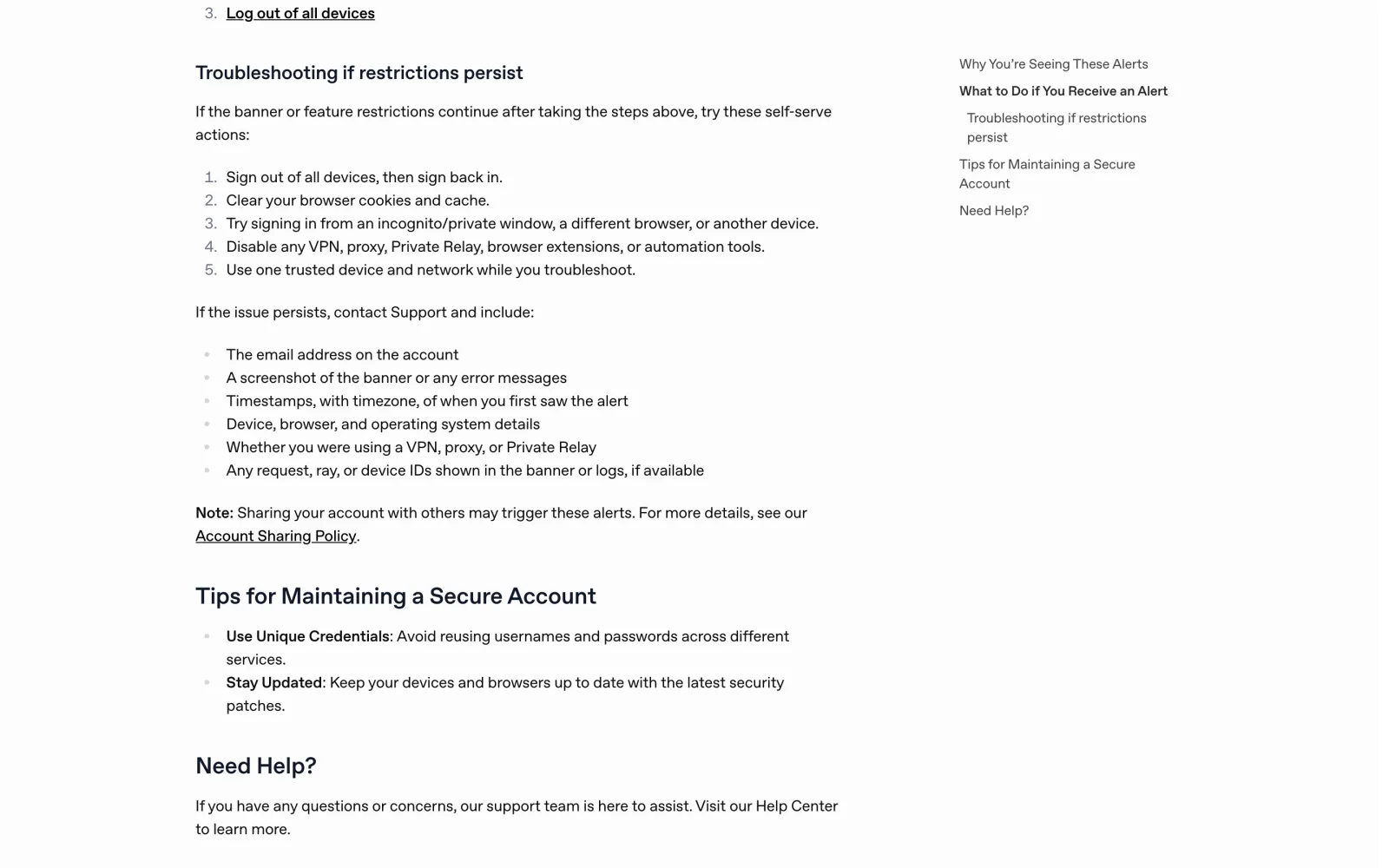
OpenAI's article on Suspicious Activity Alerts lists what triggers them: "Logins from unexpected locations or devices", "Sudden spikes in activity or settings changes" and "More simultaneous logins than usual." Five colleagues signing in from their own laptops and phones look like this. The article says the alerts "may also impact your access to certain features", and adds: "Sharing your account with others may trigger these alerts."
Security habits get worse too. OpenAI's sharing policy says that sharing login credentials "can expose your personal data and payment information."
6. Offboarding means changing the password
When a colleague leaves, a shared login gives you one tool: change the password and log out every device, which also logs out everyone who stays. If the account is in the departing person's name and on their card, it's the company that loses access, along with every chat, project and memory in it.
The business plans handle this per person. In ChatGPT Business, removing a member revokes their access immediately; their chats and files are kept, and their projects and GPTs pass to a workspace owner. In Claude Team, after a removal projects shared with the organization stay available to the rest of the team, and the Primary Owner can still export the member's chats.
What to use instead
Every legitimate option gives each person their own login. They differ in which models you get, how usage is counted and who controls the settings.
| What changes | One shared login | ChatGPT Business or Claude Team | Endless (Basic or Pro) |
|---|---|---|---|
| Allowed by the terms | No | Yes, one seat per named person | Yes, each person has their own account |
| Chat history and memory | One for everyone | Each person's own | Each person's own; chats are private until shared |
| Training on your chats | On by default in ChatGPT; one setting for all | Off by default | Not used for training (privacy policy) |
| Usage limits | One allowance split among everyone | Per seat | One credit pool, with limits per person and team |
| When someone leaves | Change the password, log everyone out | Admin removes the seat | Admin removes them; what they shared stays |
| Models | One company's | One company's | GPT, Claude, Gemini, Grok and more, plus image and video |
ChatGPT Business
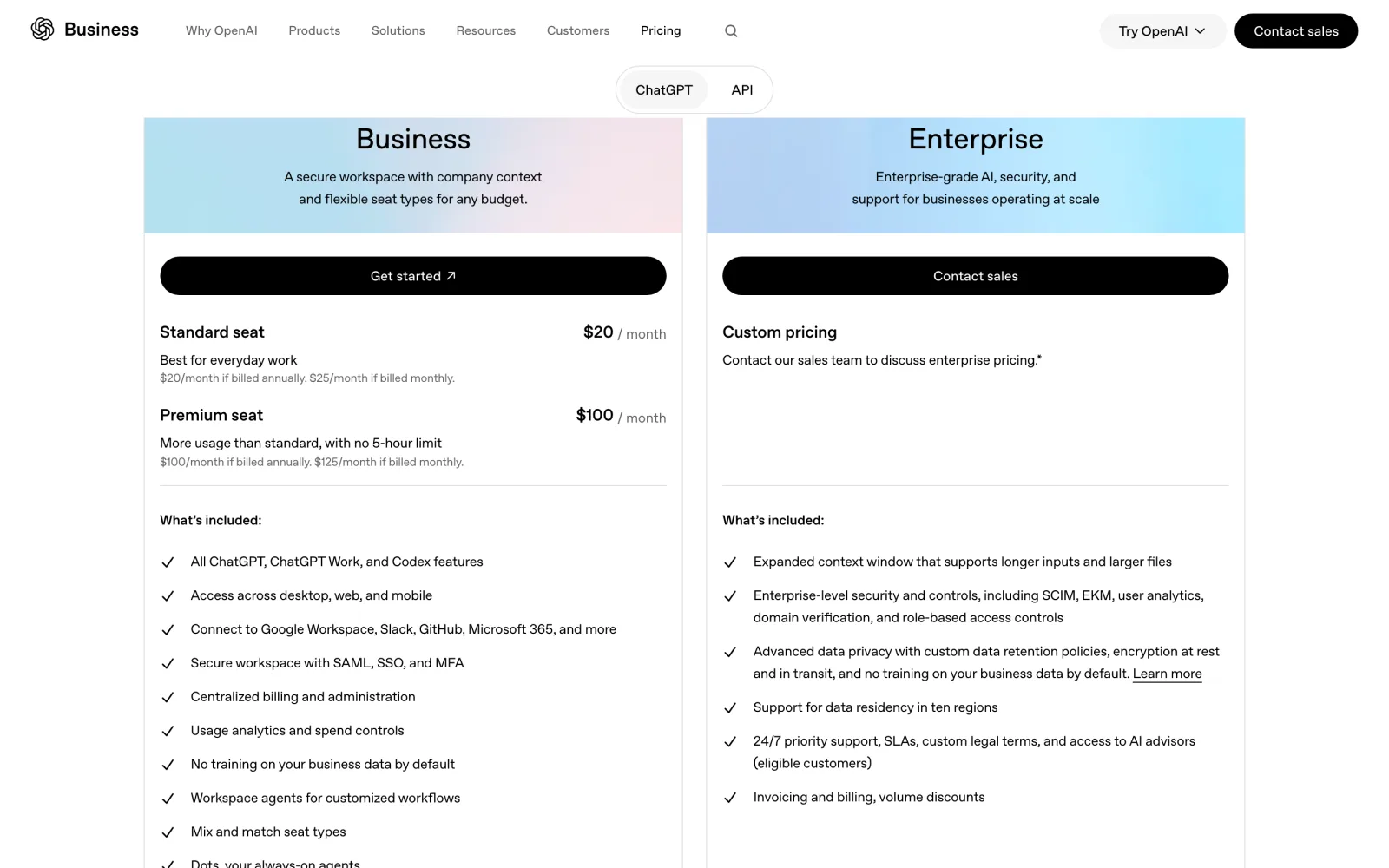
A Standard seat is $25 a month, or $20 billed yearly, for teams of 2 to 200. The plan lists centralized billing and administration, SAML single sign-on, usage analytics and spend controls, and "No training on your business data by default." Source: the pricing page. Pick it if the team works in ChatGPT and wants its connectors, agents and Codex. Every plan is in our ChatGPT pricing guide.
Claude Team
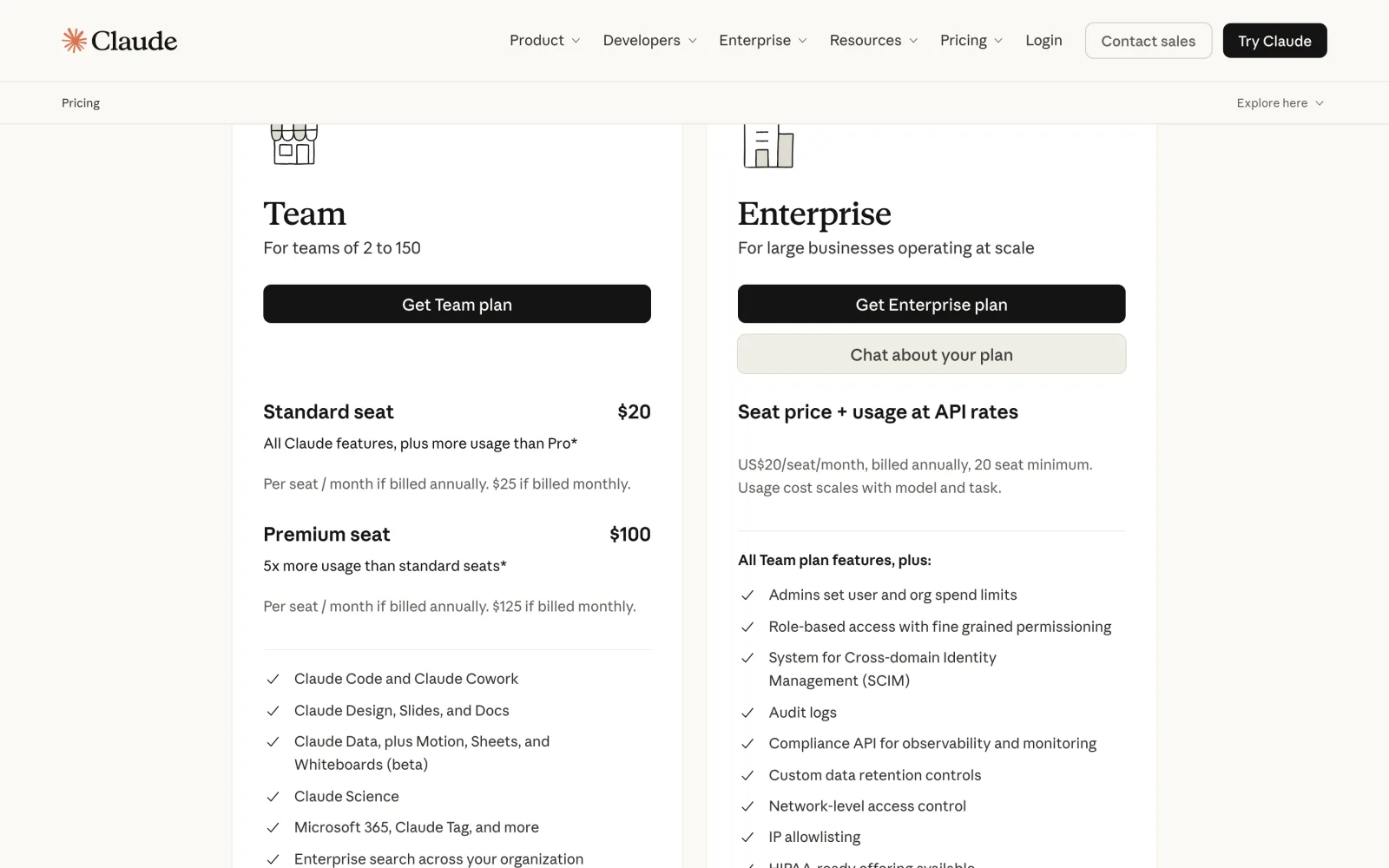
A Standard seat is $25 a month, or $20 billed yearly, for teams of 2 to 150, with "No model training on your content by default" on the pricing page. Each member has their own usage limits, and the organization can set spending caps. Anthropic's Team article also says "Each seat is for one named individual", so a Team seat isn't shared either. Pick it if the team wants Claude Code, Cowork and Claude's projects. Every plan is in our Claude pricing guide.
Google Workspace with Gemini
If the team already uses Gmail and Docs, Gemini comes in every Business plan, priced per user for up to 300 users. Google's pricing page says that in Gemini, "your company data is not used to train models." It gives you Google's models only.
Endless
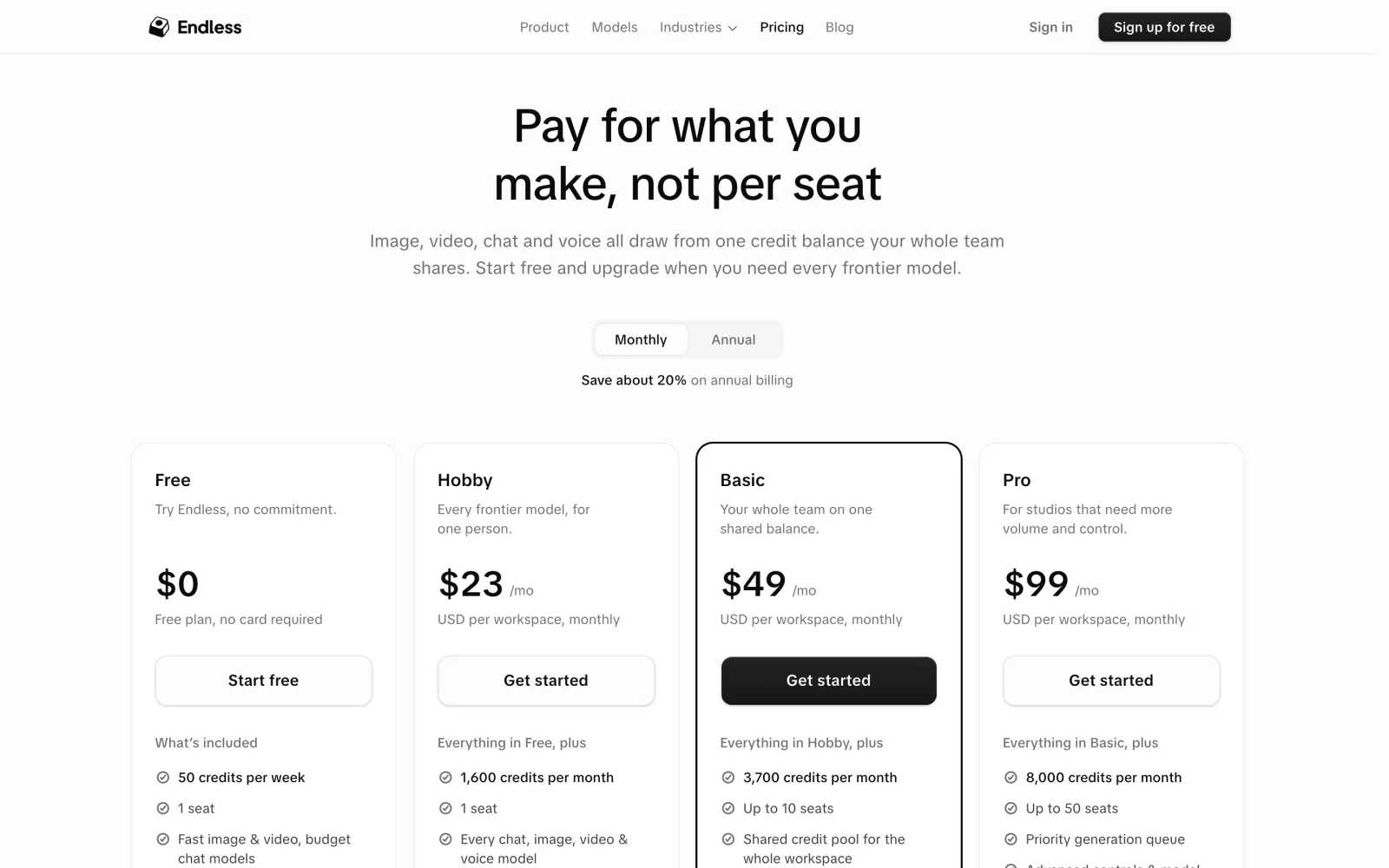
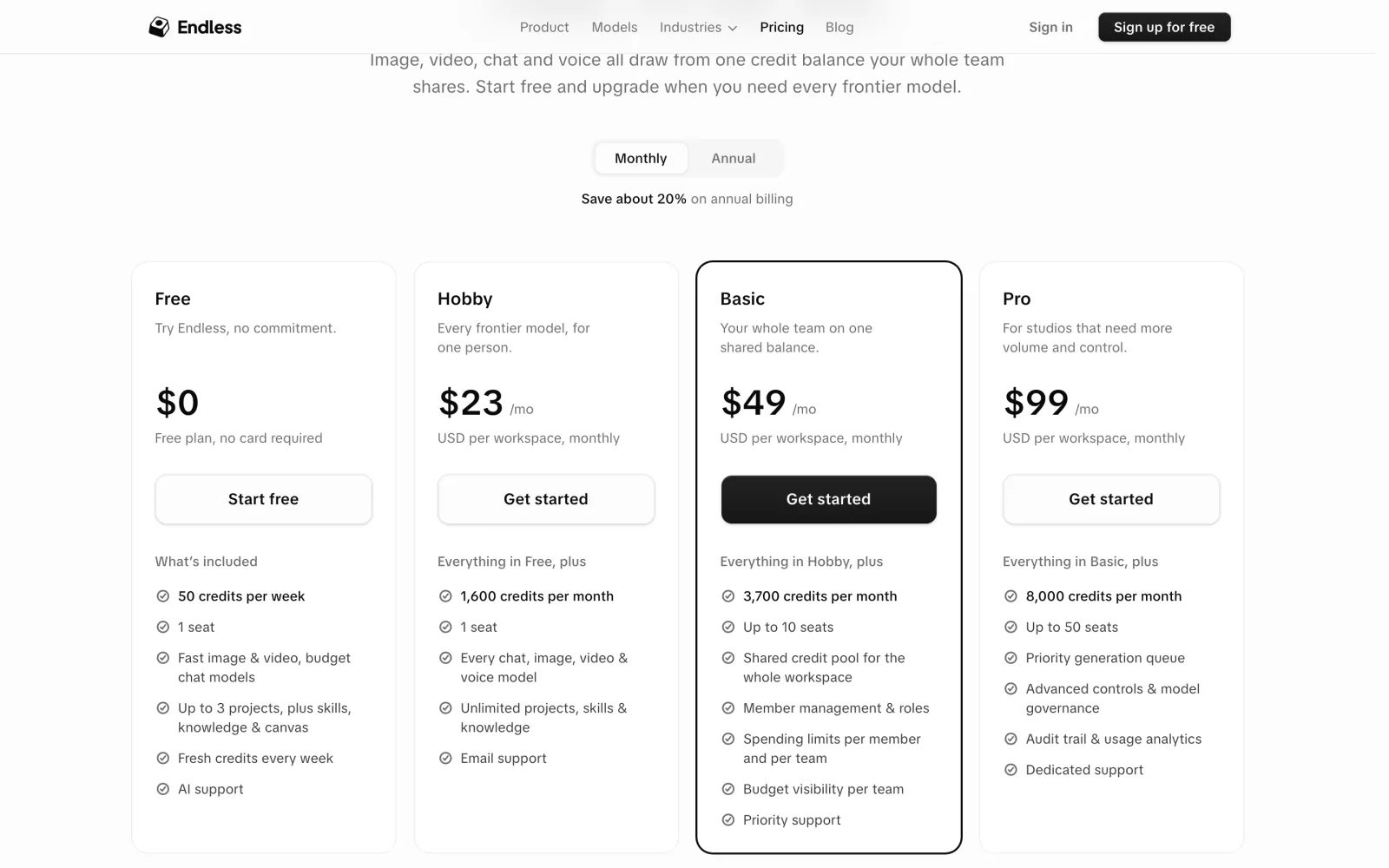
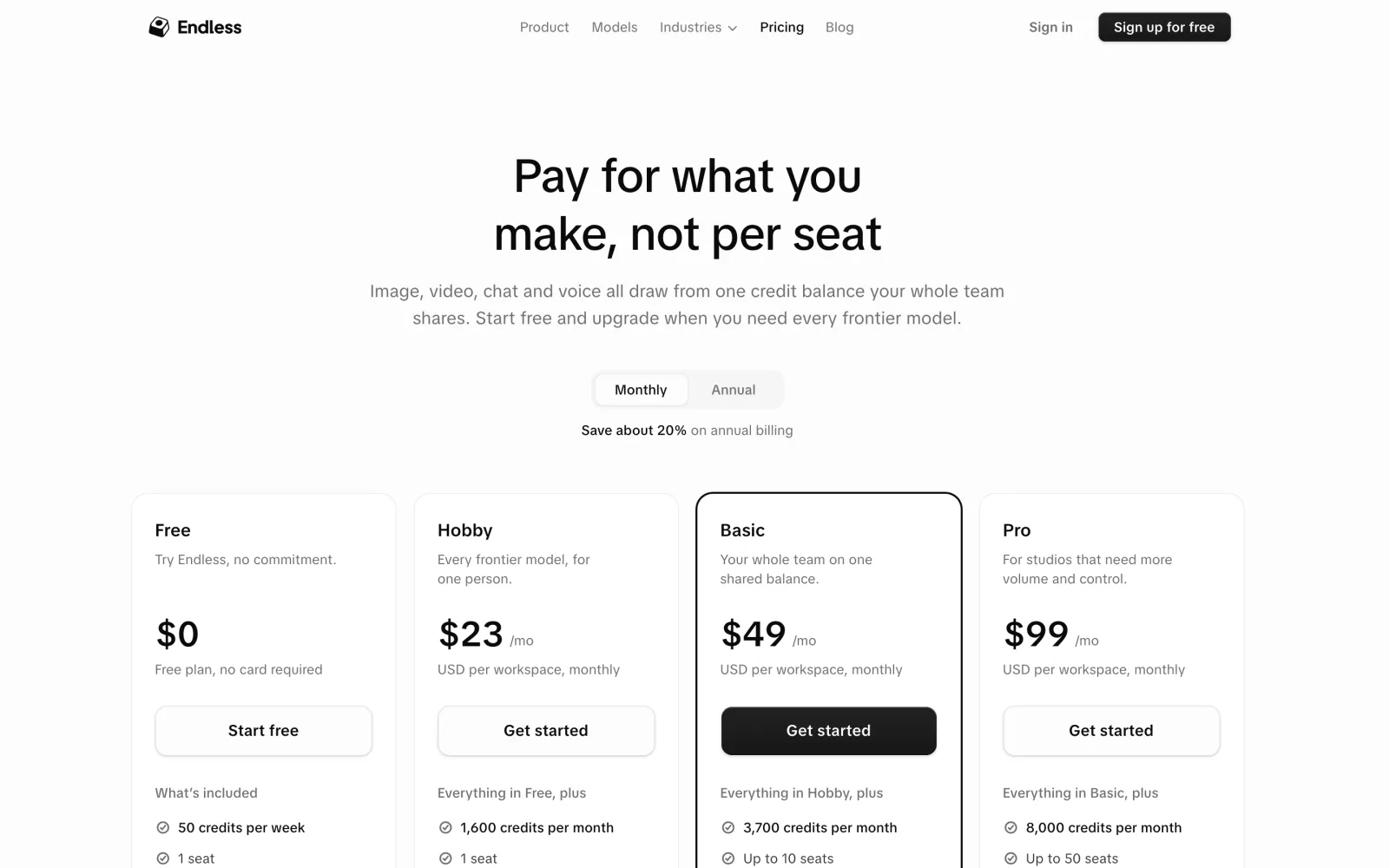
Endless is one workspace for a team that uses models from several companies. Basic is $49 a month, or $39 billed yearly, with 3,700 credits for up to 10 people; Pro is $99, or $79 billed yearly, with 8,000 credits for up to 50. Nobody pays per seat. Source: the pricing page.
- One account per person, one bill. Everyone signs in with their own account and spends from the workspace's credits: GPT, Claude, Gemini, Grok and other chat models, plus image, video and voice models.
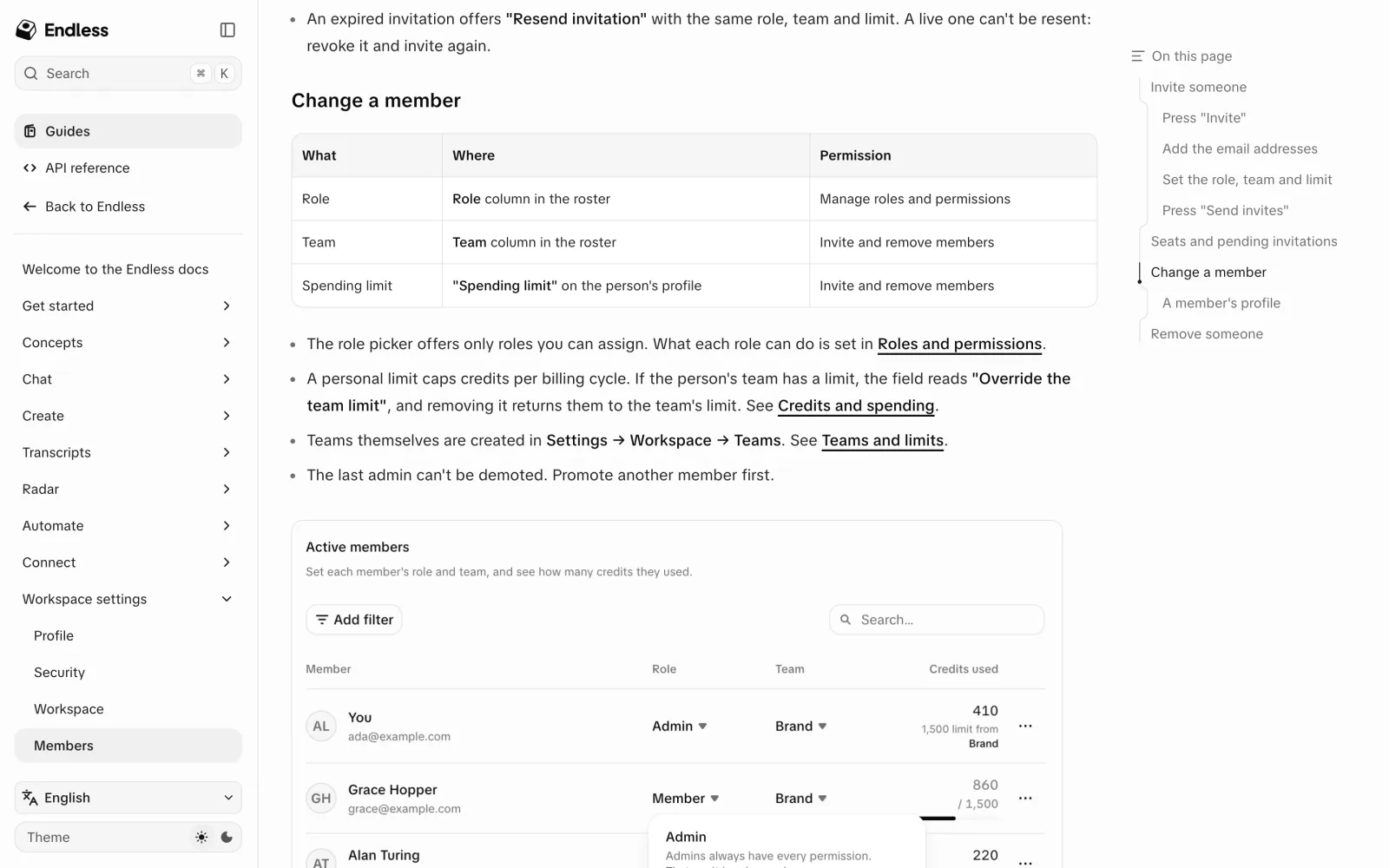
- Limits per person. Admins set a spending limit in credits for each member and for each team, per billing cycle (teams and limits).
- Private by default. Work starts private, and the docs on roles say "Admins can't read private work." Endless's privacy policy says it doesn't use your content to train AI models and doesn't let others do so.
- Brand context and working together. Projects keep a brand's documents and rules for every chat, and a chat can be shared live so several people write in it at once.
- Offboarding. "Remove from workspace" ends someone's access right away, and what they shared stays with the team (members docs).
Where it falls short: the credits are a pool for the whole workspace, so a team that chats all day on top models will need Pro or extra credits, and a per-seat plan from OpenAI or Anthropic is more predictable for that. On a paid plan, when credits run out the chat keeps working on low-cost models with a usage limit that resets every few hours; images and video wait for new credits. Features that live in ChatGPT or Claude's own apps, such as Codex or Claude Code, stay with those plans, and single sign-on is only on the Business contract. If you're comparing it with a single provider, see Endless vs ChatGPT and Endless vs Claude. For what every plan from every company adds up to, see our guide to AI subscription prices.
Which one to pick
- Everyone works in ChatGPT: ChatGPT Business.
- Everyone works in Claude, or the team codes with Claude Code: Claude Team.
- The team lives in Gmail and Docs: Google Workspace with Gemini.
- The team uses several companies' models, makes images or video, and wants one bill with a limit per person: Endless.
- Two or three people who each want one company's app: a personal plan each is allowed, and at $20 a month it costs less than a $25 Business or Team seat billed monthly.
FAQ
Can I share my ChatGPT Plus account with a coworker?
No. OpenAI's Terms of Use say you "may not share your account credentials or make your account available to anyone else," and its pricing page says Plus is designed for individuals. Your coworker needs their own account, or the team needs a ChatGPT Business workspace.
Is it safe to share a Claude account?
It breaks Anthropic's Consumer Terms, which let Anthropic suspend access without notice and without a refund. It also means everyone reads everyone's chats, Claude's memory mixes what each person told it, and one five-hour usage limit is split among all of you.
Can a shared ChatGPT account get banned?
OpenAI's terms let it suspend or terminate an account that breaks them, and sharing does. Before that, OpenAI's help center says sharing an account may trigger Suspicious Activity Alerts, which can limit access to some features. OpenAI doesn't publish how often shared accounts are closed.
If we share one account, can my colleagues see my chats?
Yes. A shared login has one chat history, so everyone who signs in can open every conversation. ChatGPT's and Claude's memory can also bring details from one person's chats into another person's answers.
Can two people use one ChatGPT Business or Claude Team seat?
No. Anthropic's Team plan article says "Each seat is for one named individual," and OpenAI's terms on sharing credentials apply to every account. Both plans start at two seats, so a team of two can use them.
What's the cheapest legitimate way for a small team to use ChatGPT and Claude?
It depends on how much each person uses them. Our guide on how to share an AI subscription with your team compares what a team of five pays for each option, from personal plans to ChatGPT Business, Claude Team and multi-model apps.
Bring this to your team
Start creating with Endless: chat, image, video, transcripts, and social insight in one workspace.
Keep reading
How to share an AI subscription with your team, and what each option costs (2026)
Why one ChatGPT Plus or Claude Pro login can't be shared, and what a team of five pays instead: ChatGPT Business, Claude Team, Google Workspace, Poe, Magai, Mammouth, Krater and Endless.
The best apps to use ChatGPT, Claude, Gemini and Grok with one subscription (2026)
Poe, T3 Chat, ChatLLM, Mammouth, Writingmate, Magai, TypingMind, OpenRouter and Endless compared: which models each one includes, how limits work, how a team pays, and whether it also makes images and video.
The best AI content creation platforms for marketing teams (2026)
Jasper, Canva, Hootsuite, Planable, ContentStudio, Juma, Copy.ai, Writer and Endless compared for an in-house team that makes social content together: what each one creates, whether it researches trends, where the brand lives, how people collaborate and how the team pays.