AI poster generator
Type what the poster is for: the headline, the date, the place and the style. After you sign in, the agent in your workspace chat generates poster options in the size you asked for and saves them in your workspace.
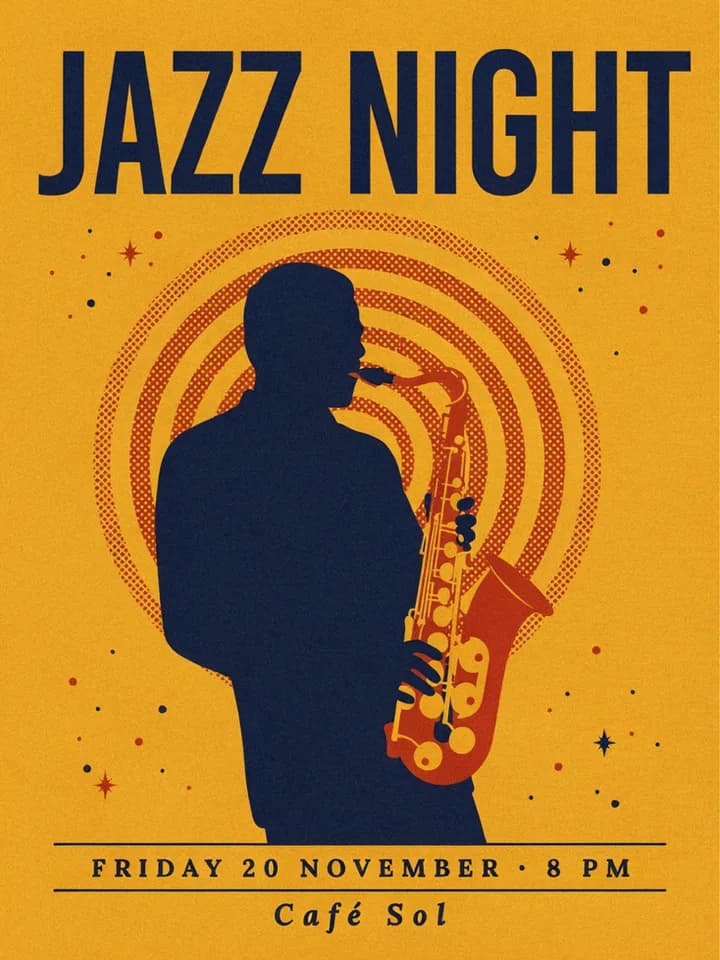
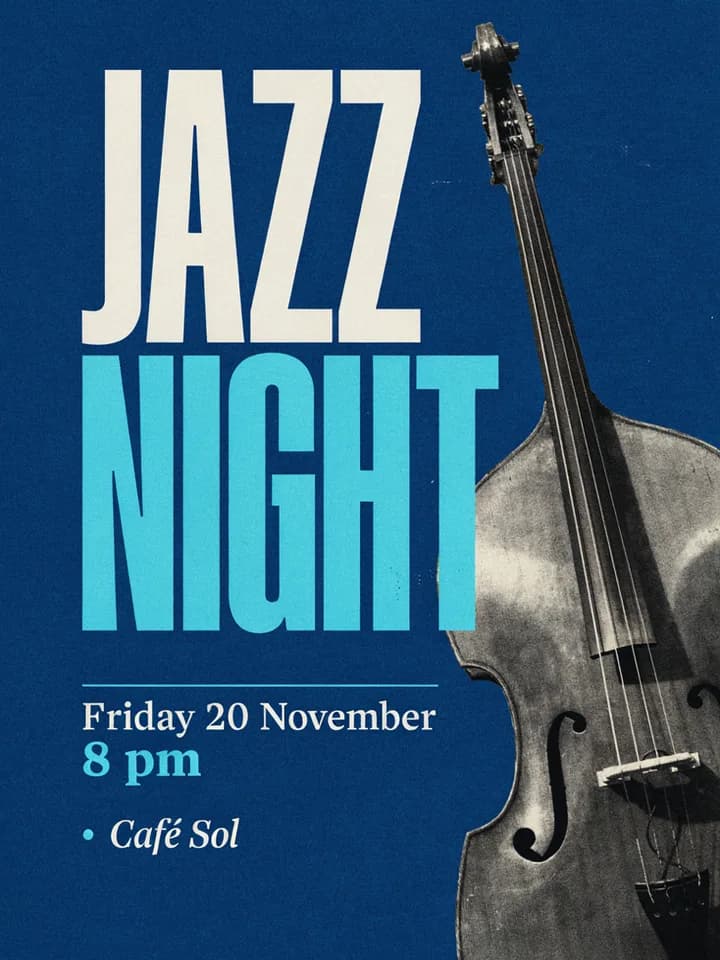
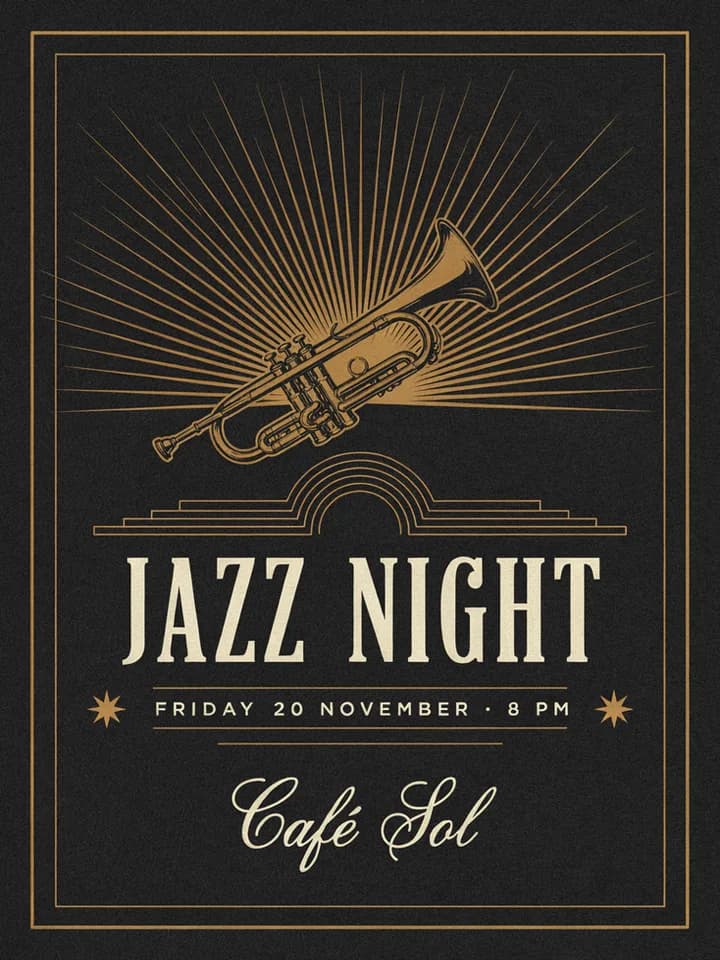
What is an AI poster generator?
An AI poster generator makes a poster image from a description: what it announces, the words it should show and the look you want. The model lays out the headline, the details and the artwork together, so you start from a complete design instead of a blank page and a list of fonts.
Posters carry text that has to be exact: a band name, a date, an address, a price. Some image models handle that better than others. Ideogram 4.5 and GPT Image 2.5 are strong at legible text and layout, while Nano Banana Pro and FLUX 3 Image generate images up to 4K, which matters when the poster goes to print.
Endless runs these models from your workspace chat. You describe the poster, attach a product photo or a logo if it should appear, and the agent generates several options in the aspect ratio you need. Each poster is saved as an asset in your workspace, and you ask for changes in the same chat.
How it works
- 01
Describe the poster
Type the headline, the date and place, the style and the size into the box above. Write the text exactly as it should appear on the poster.
- 02
Sign in and add references
Create a free Endless account or sign in. Your workspace chat opens with the prompt already written. If the poster should show your logo or a product, attach the image in the chat before you send.
- 03
Pick a poster and adjust it
The agent generates several options and saves them in your workspace assets. Ask for another color, a bigger headline, a corrected line or a 9:16 version for stories.
What people use it for
- 01
Event posters
Announce a concert, a talk, a workshop or a party with the date, time and place set clearly in the design. Ask for one version for the wall and another for social posts.
- 02
Sale and promotion posters
Make a poster for a discount, a new menu or a shop opening, with the offer as the largest text. Attach a product photo so the item on the poster is the one you sell.
- 03
Movie-style posters
Turn a short film, a school play or a birthday into a poster in the style of a film one-sheet, with a title, a tagline and a block of credits at the bottom.
- 04
Flyers
Generate a flyer to hand out or pin to a board, with the essential details in proportions that fit a standard sheet of paper.
- 05
Story and feed sizes
Ask for the same design in 9:16 for Instagram and TikTok stories, or square for a feed post, so one campaign looks the same in every place it runs.
- 06
Drafts before print
Try a few directions and share them with your team before you pay a printer or a designer for the final version.
Frequently asked questions
Is the AI poster generator free?
You can start free. A free Endless account comes with the Free plan, which gives your workspace 100 credits when you create it and 50 credits every week. Each poster spends credits from that balance. Paid plans add more credits if you make posters often.
What sizes can I make?
Say the aspect ratio in your description: portrait for most posters, close to the proportions of A-size paper such as A4 or A3, 9:16 for stories, or square for a feed post. Nano Banana Pro and FLUX 3 Image generate up to 4K. The result is a PNG or JPG image, and the agent can upscale it if you need more pixels.
Can I print the poster?
Yes, after two checks. Generate at the highest resolution the model offers, and read every line of text before you send the file to a printer, because a model can still swap or drop a letter. If a line is wrong, ask the agent to fix it and it makes a new version with the correction.
Can I add my logo or a product photo?
Yes. Attach the image in the chat and say where it should go. Models such as GPT Image 2.5, FLUX 3 Image and Nano Banana Pro take reference images and place them in the design. The model redraws what you attach, so check that the logo kept its shape and colors.
Which model is best for posters?
For posters with a lot of exact text, Ideogram 4.5 or GPT Image 2.5. For large, detailed artwork, Nano Banana Pro or FLUX 3 Image, up to 4K. The agent picks one that fits, or you can ask for a model by name. Every model named here is available on the Free plan.
How much does a poster cost?
Each poster spends credits from your workspace balance, and the cost depends on the model and settings such as the resolution. Higher resolutions and more options cost more. The agent tells you the cost before it runs.
Can I use the posters commercially?
Posters are saved in your workspace as assets, private by default, and you decide who to share them with. Endless does not publish them anywhere. Use logos, photos and names you have the rights to, and check the terms of the model you used for any limits on commercial use.
Related tools
AI logo generator
Describe your brand and get several logo options with clear, readable lettering.
Open the tool: AI logo generatorYouTube thumbnail maker
Describe your video and get 16:9 thumbnails with large, readable text.
Open the tool: YouTube thumbnail makerImage upscaler
Upscale an image 2x, 3x or 4x with AI and sharpen its detail.
Open the tool: Image upscaler
Give your next idea a place to grow.
Start free, create a project, and bring your brand’s references together. Or book a demo to explore Endless with your team.