Remove text from image with AI
Pick an image, then say which text to take out or what to write instead. After you sign in, attach the image in your workspace chat and the agent edits it with an image model, filling in behind the text or writing the new words in a matching style.
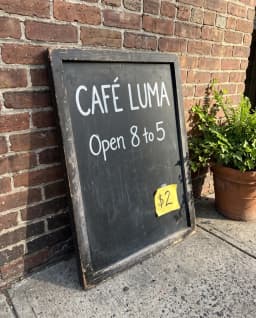
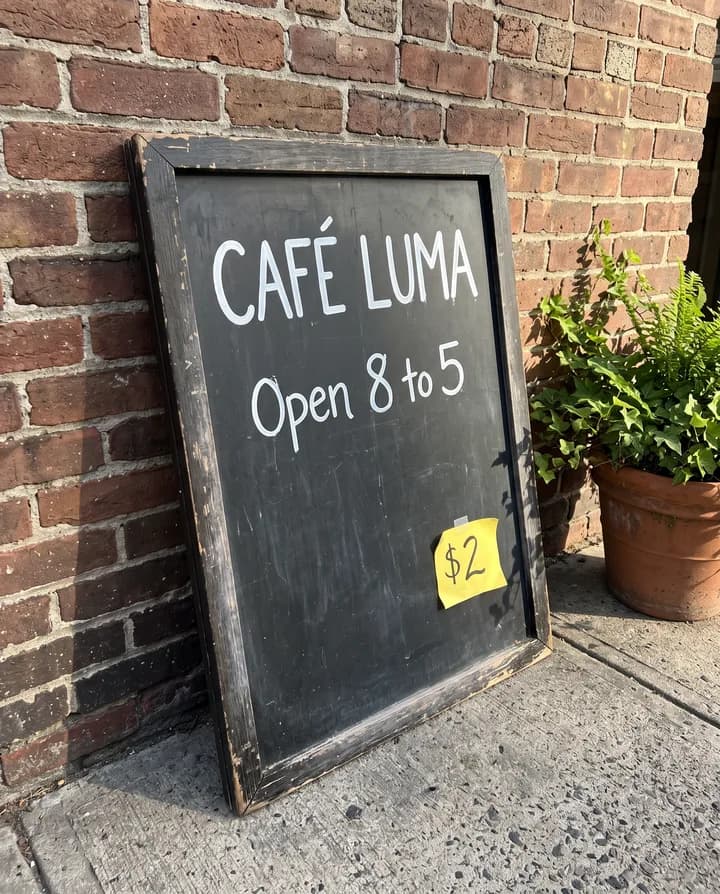
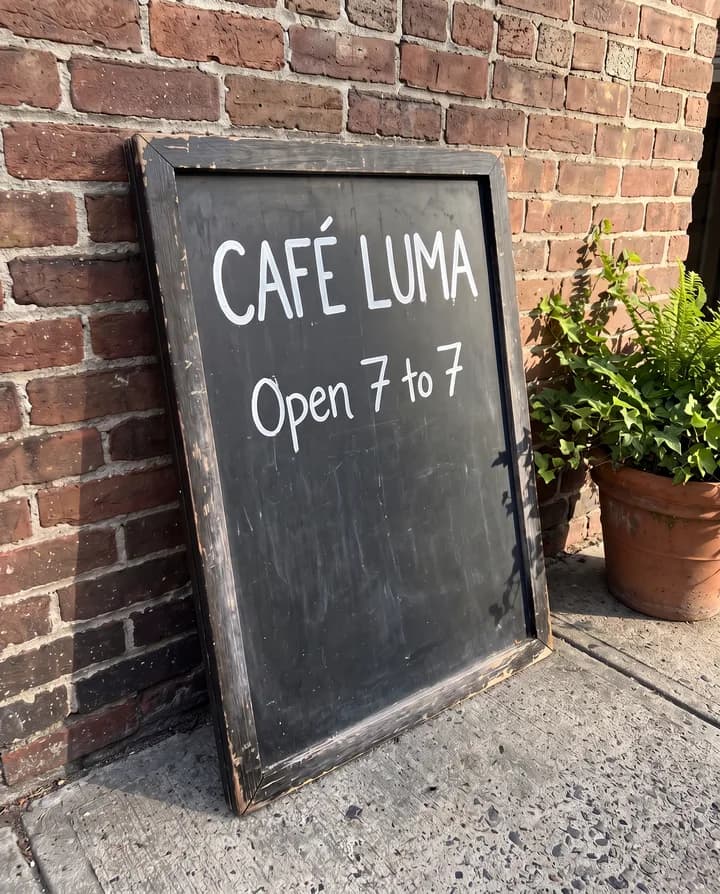
How do you remove text from an image?
Removing text from an image means taking the letters out and rebuilding the surface they covered: the wood of a sign, the sky behind a caption, the label on a jar. An image model finds the text you point to, paints over it with the background that fits, and leaves the rest of the picture alone. The same edit can also put new text in its place, in a similar font, size and color.
People do this to reuse an image without the words that came with it: a caption burned into a screenshot, a date stamp on a photo, a placeholder headline on a mockup, a price on a product shot, or a street sign they want in another language. Without AI this takes careful cloning in an editor, which is hard when the text sits on a texture or a gradient.
Endless runs these edits from your workspace chat. You attach the image, say which text to remove or what to write instead, and the agent picks a model. Ideogram 4.5 and GPT Image are the strongest at reading and writing text, and Ideogram keeps what you did not ask to change. The result is saved as a new asset, and the original stays as it was.
How it works
- 01
Pick the image
Drop or choose the image with the text in the box above.
- 02
Sign in and attach it again
Create a free Endless account or sign in. Your workspace chat opens with the prompt already written. The file stays on this page, so attach the image again in the chat and send.
- 03
Say what to remove or write
Point to the text, for example the date in the bottom right corner, or quote it and give the new words. The agent edits the image and saves the result in your workspace assets.
What people use it for
- 01
Clear captions from screenshots
Take subtitles, meme captions or overlay text off a still or a screenshot so you can use the clean frame in a slide, a thumbnail or a new design.
- 02
Remove date stamps
Erase the orange date that an old camera printed in the corner of your photos, or the time stamp on a frame you saved from your own video.
- 03
Replace placeholder copy
Change the headline on a poster, a banner or a packaging mockup without rebuilding the layout. Quote the old text and give the new one, and the model writes it in a matching style.
- 04
Translate signs and labels
Rewrite a shop sign, a menu board or a product label in another language for a localized version of the same image. Give the agent the translation or ask it to translate.
- 05
Clean product and listing photos
Remove a price sticker, a handwritten note or a supplier label from a product photo before it goes into your store or catalog.
- 06
Update your own old watermark
Take your previous logo or watermark off images you made, so you can add the current one. This is for marks on your own work, not for anyone else's.
Frequently asked questions
Can I remove text from an image for free?
You can start free. A free Endless account comes with the Free plan, which gives your workspace 100 credits when you create it and 50 credits every week. Each edit spends credits from that balance. Paid plans add more credits if you edit images often.
Do I need an account?
Yes. This page only prepares the request. The edit runs in your workspace chat after you create a free account or sign in, and the result is saved there.
How much does it cost?
The cost depends on the image model and settings such as the output resolution. Ask the agent for the cost before it runs, so you know what it will spend from your workspace balance.
Which model is best for text?
Ideogram 4.5 is the strongest at legible text and layout, and its edits keep what you did not ask to change. GPT Image 2 and GPT Image 2.5 are also strong at text on images. If you are not sure, the agent picks one, and you can ask for a model by name.
Can I replace the text with my own words?
Yes. Quote the text that is there now and write what should replace it. The model tries to match the font, size, color and angle. Check spelling in the result, since short, clear text comes out more reliably than long paragraphs.
Can I remove a watermark?
Only from images you own or have the rights to edit, such as your own old watermark or a stamp on a photo you took. Do not use it to strip a photographer's mark, a stock watermark or any credit from an image you do not own. You are responsible for the rights to the images you edit.
Are my images private?
Images you attach and the edits made from them are saved in your workspace as assets, private by default, and you decide who to share them with. Endless does not post or publish your images anywhere.
Related tools
Remove object from image
Erase a person, a cable, a trash can or a logo from a photo by naming it in the chat.
Open the tool: Remove object from imageAI photo editor
Edit a photo by describing the change: remove an object, change a color, add something or restyle it.
Open the tool: AI photo editorImage upscaler
Upscale an image 2x, 3x or 4x with AI and sharpen its detail.
Open the tool: Image upscaler
Give your next idea a place to grow.
Start free, create a project, and bring your brand’s references together. Or book a demo to explore Endless with your team.