AI for agencies: every client in their own voice, one team in one place
Keep each client’s context, analyze their category, pitch content from trends and produce images and videos. Your team, and your client if you like, work in the same place.
Agencies using Endless
How agencies use it
These are the most common uses among creative, content, social and PR agencies, and production studios that work with Endless.
- 01
One project per client
Load each brand’s guidelines, website, references and accounts. Mention the project with @ and every answer comes with that client’s context and tone.
- Projects
- Chat
- 02
Pitches built on trends
See which competitor posts worked and why, cross it with what’s being discussed on X, Reddit and the web, and build the pitch for your client.
- Radar
- Projects
- Chat
- 03
Social listening and daily clipping
Schedule a report that arrives every morning with mentions, comments and industry news for each client, with a response plan.
- Scheduled tasks
- Radar
- 04
Images and video for campaigns
Start from the product photo or key visual, generate variations and animations on a shared canvas and pick the model for each asset.
- Canvas
- Image
- Video
- 05
Calendars and scripts with skills
Turn the instructions you had spread across different assistants into skills per client, and generate monthly calendars, scripts, press releases and copy.
- Skills
- Chat
- 06
Timestamps for interviews and shows
Transcribe long footage, ask for the timestamps of the best moments and export subtitles.
- Transcripts
- Chat
Stories and guides

How we run 30+ media outlets with Endless
At Zeratype we manage over 30 active media outlets. Each with its own voice, audience, and metrics. Here's how we use Endless to keep it from becoming unmanageable.

150 assets in one week: how Aren't Lab built the visuals for Nick Carter's show
Behind the audio are screens, loops, transitions. Aren't Lab coordinated 150 images plus videos for Nick Carter's show in one week with Endless.
An AI campaign in 10 hours: inside the HakIAton
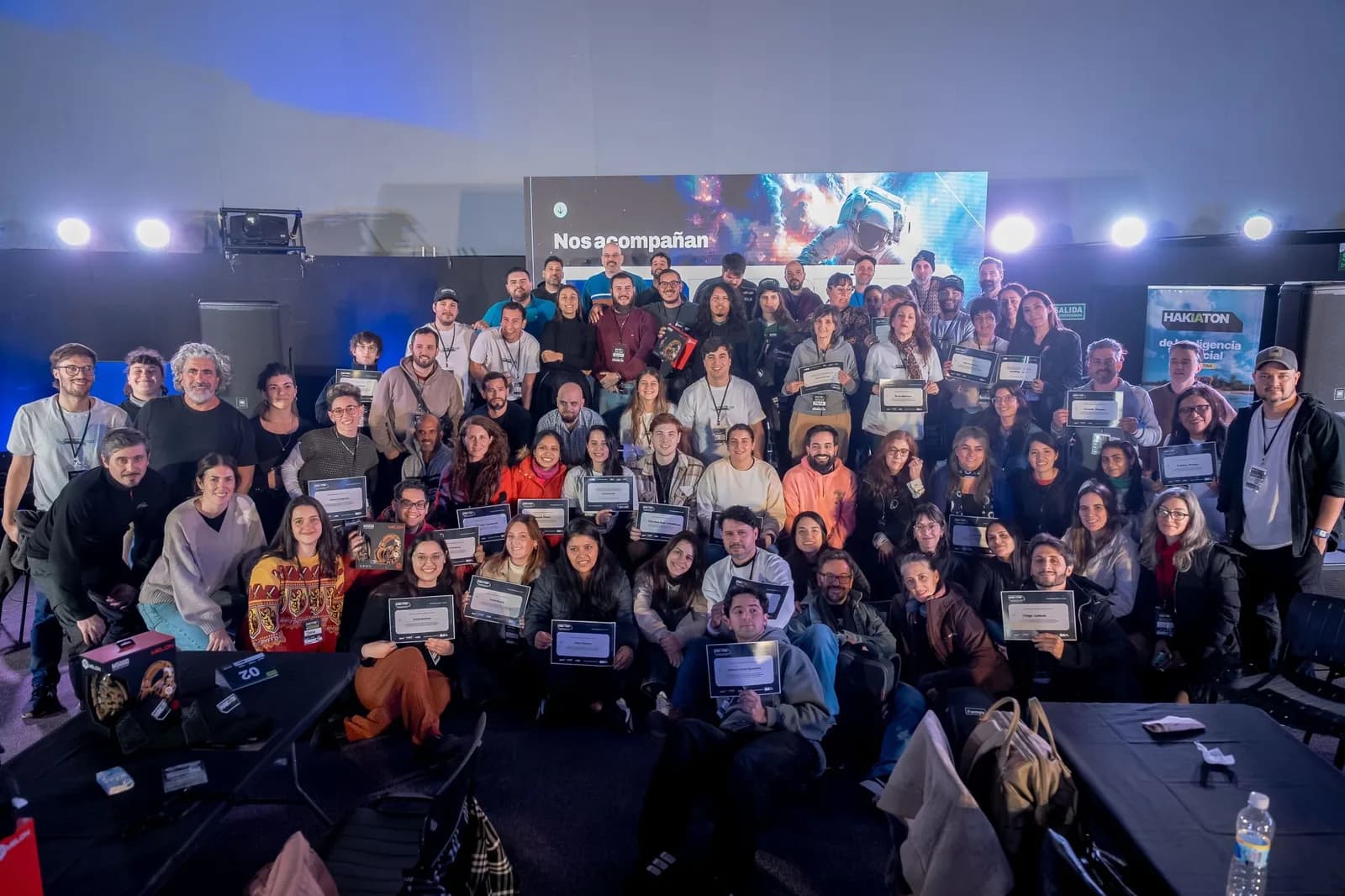
Last Saturday we were the official tool at Hak Team's HakIAton at Parque de la Innovación, Buenos Aires. 15 teams, Endless, a full campaign in one day. Here's what we saw from the room.
Questions from agencies
Give your next idea a place to grow.
Start free, create a project, and bring your brand’s references together. Or book a demo to explore Endless with your team.