Photo to drawing
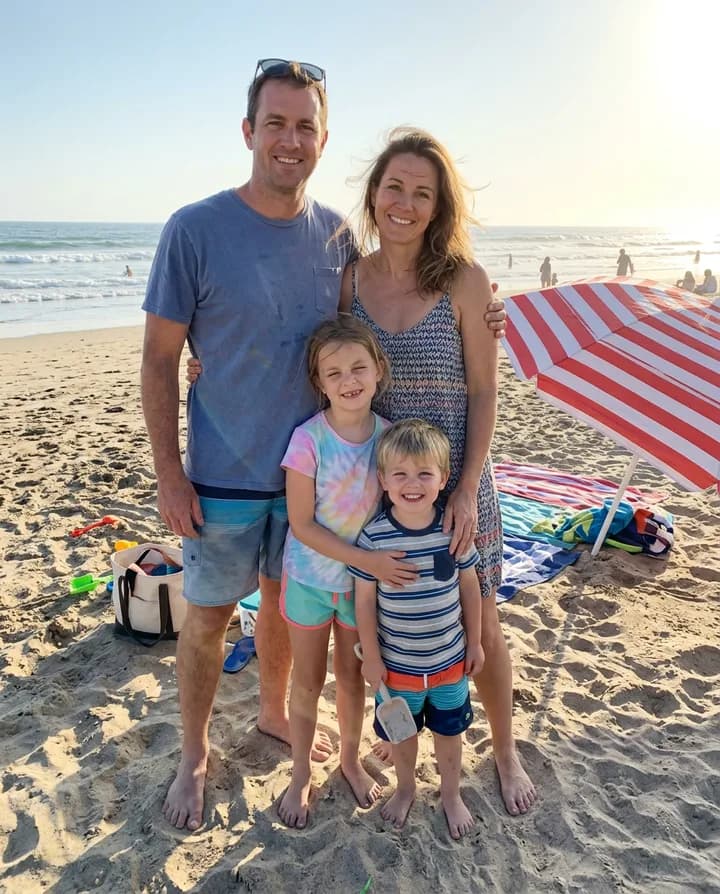
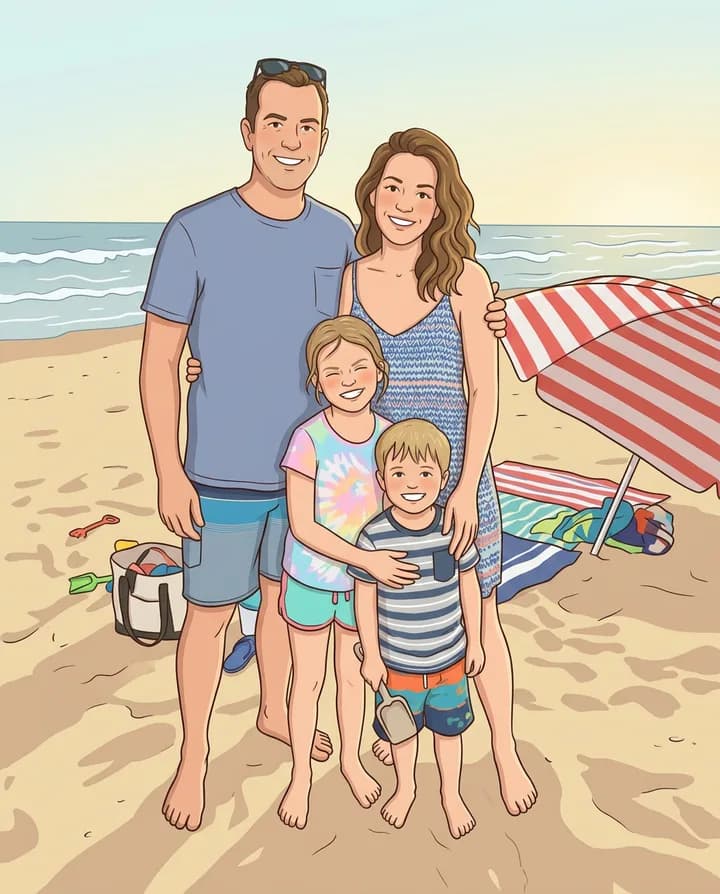
Pick a photo, then tell the agent which style you want. After you sign in, attach the photo in your workspace chat and the agent redraws it with an image model like Nano Banana, GPT Image or FLUX, keeping the people and the scene recognizable.
How does photo to drawing work?
An image model looks at your photo and draws it again in the style you ask for. The faces, the poses and the setting stay where they are, and the lines, the shading and the colors change to match a pencil sketch, a cartoon, a caricature, an anime frame or a watercolor painting.
Different styles suit different photos. A portrait works well as a pencil sketch or a caricature, a group photo as a cartoon, and a landscape or a pet as a watercolor. A caricature exaggerates features on purpose, while the other styles keep the proportions of the photo.
In Endless, the agent edits your photo with an image model such as Nano Banana 2.1, GPT Image 2.5 or FLUX 3 Image and saves each drawing as an asset. You can try several styles on the same photo, ask for changes, or turn the drawing into a vector or a short animation in the same chat.
How it works
- 01
Pick your photo
Drop or choose the photo in the box above. A sharp photo where faces are well lit gives the best drawing.
- 02
Sign in and attach it again
Create a free Endless account or sign in. Your workspace chat opens with the prompt already written. The file stays on this page, so attach the photo again in the chat and send.
- 03
Choose the style
Tell the agent the style you want. It quotes the cost, redraws the photo and saves the drawing in your assets. Ask for another style in the same chat.
What people use it for
- 01
Profile pictures
Turn a selfie into a cartoon or anime avatar for a social profile, a team page or a streaming channel.
- 02
Gifts and caricatures
Make a caricature of a friend for a birthday card, or a family drawing to print and frame.
- 03
Pet portraits
Turn a photo of a dog or a cat into a pencil sketch or a watercolor, ready to print.
- 04
Illustrations for posts and stories
Give a series of posts a consistent illustrated look by drawing your own photos in the same style.
- 05
Coloring pages
Ask for clean black line art from a photo, then print it as a coloring page for kids.
Frequently asked questions
Is it free to turn a photo into a drawing?
You can start free. A free Endless account comes with the Free plan, which gives your workspace 100 credits when you create it and 50 credits every week. Nano Banana 2.1, GPT Image 2.5 and FLUX 3 Image are on the Free plan, and each drawing spends credits from that balance. The agent tells you the cost before it runs.
Which styles can I get?
Any style you can describe: pencil sketch, charcoal, ink line art, cartoon, caricature, anime, comic book, watercolor or oil painting, among others. Name the style, or attach an example image and ask the agent to match it.
Will the person still look like themselves?
The agent asks the model to keep faces, poses and the scene recognizable. Models redraw the whole image, so small differences can appear, and a caricature changes proportions on purpose. If a face drifts, ask for a new version or try another model.
How is this different from the AI photo editor?
The AI photo editor changes parts of a photo and keeps it a photo, such as a new color or a removed object. This page redraws the whole photo as artwork. Both run in the same workspace chat.
Can I turn a group photo or a pet photo into a drawing?
Yes. Group photos, pets, buildings and landscapes all work. In a group photo, small faces in the background lose detail, so crop to the people who matter most.
What file do I get?
An image file saved in your workspace assets, which you can download. Ask for a larger version if you plan to print it, or ask the agent to vectorize a line drawing to get an SVG.
Are my photos private?
Photos you attach and the drawings made from them are saved in your workspace as assets, private by default, and you decide who to share them with. Use photos you have the rights to, and ask before you draw other people.
Related posts
The best Midjourney alternatives in 2026: features, pricing and limits
Leonardo, Ideogram, Adobe Firefly, Krea, Recraft, ChatGPT and Endless: what each one does differently from Midjourney, who it suits, what it costs and where it falls short.
From phone photos to brand content: the full guide
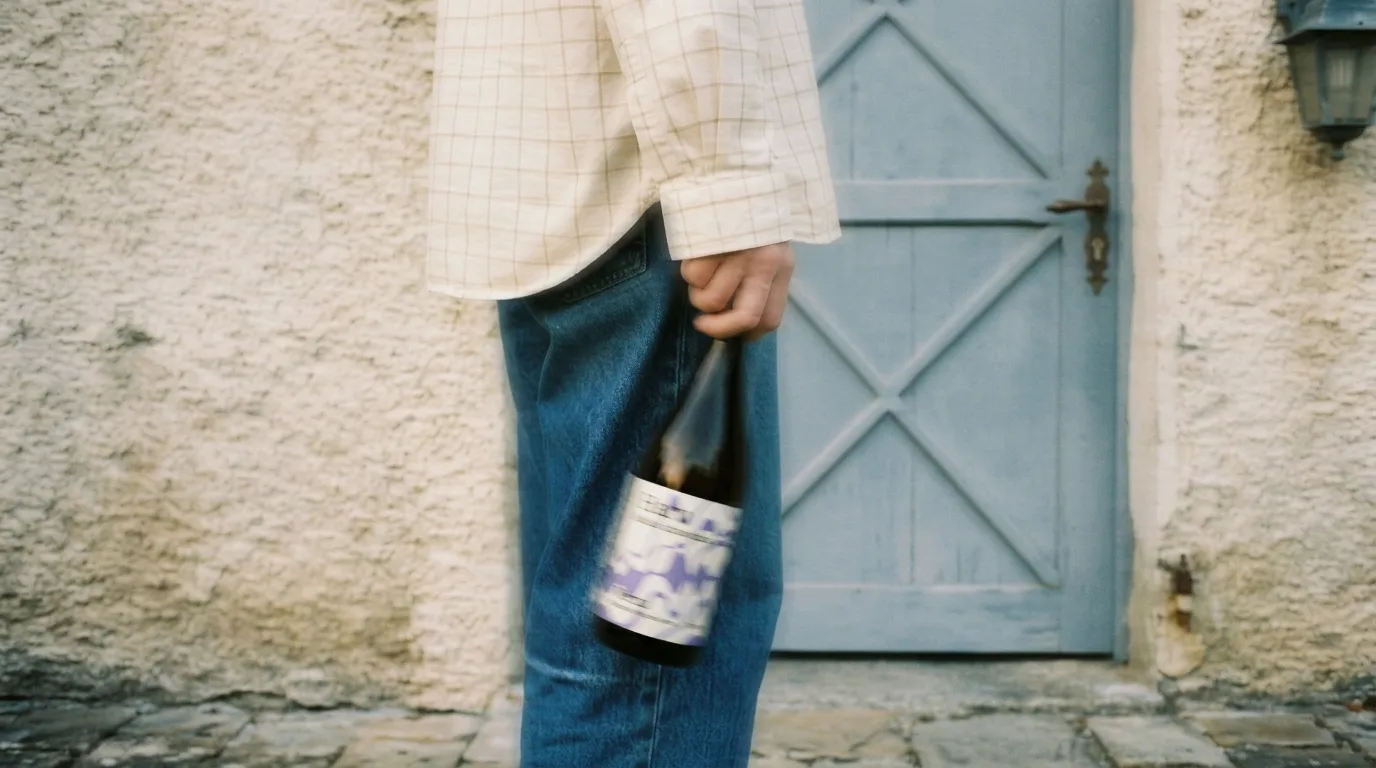
You shot photos with your phone, no studio, no production. Here's how to turn them into professional brand content using AI, step by step, with a vermouth bottle as the example.
Four image models in February: does any of them actually beat Nano Banana Pro?
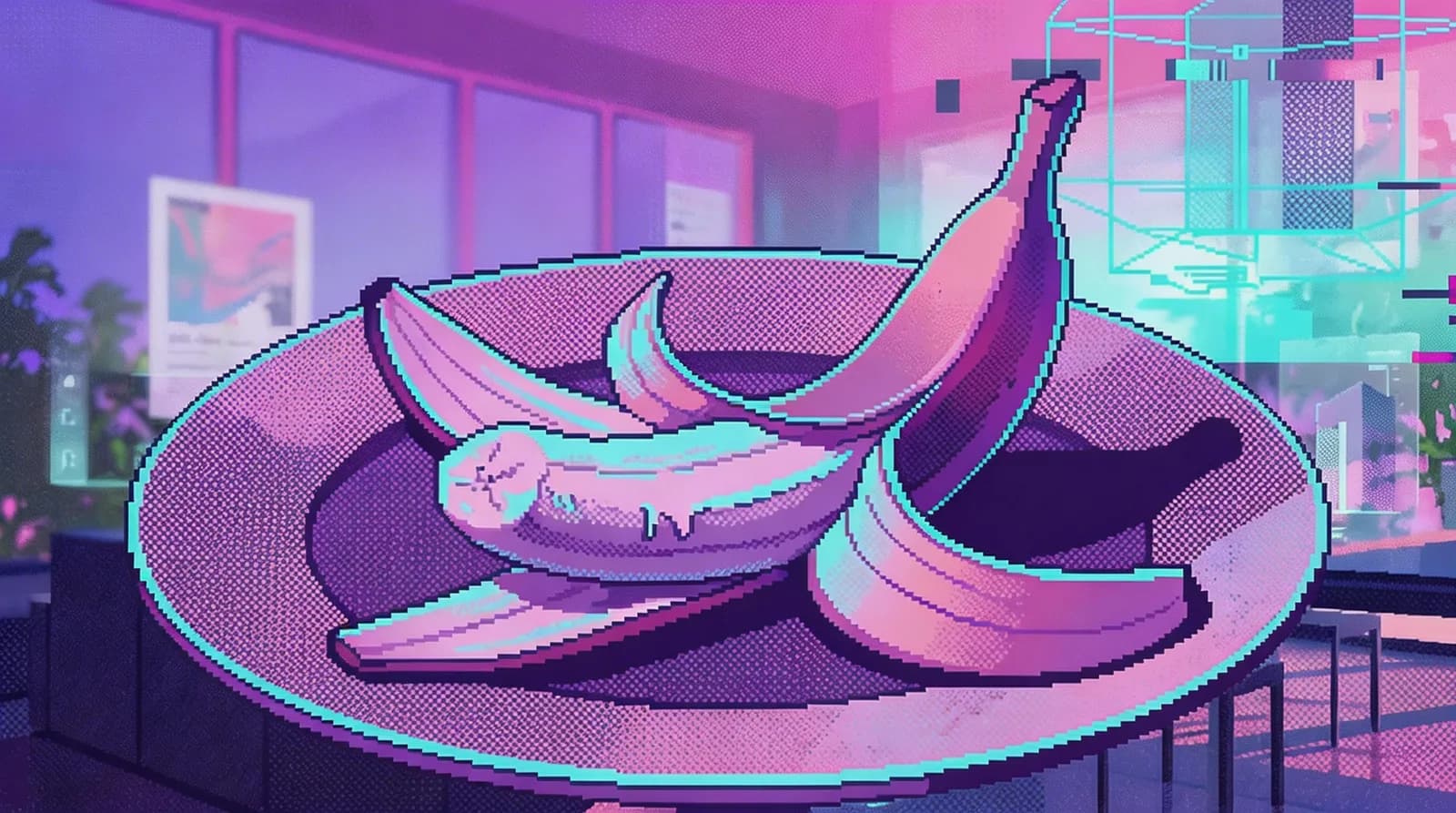
Recraft V4, Seedream 5.0, and FireRed all shipped in the same month. One only generates, one only edits, the other two do both. We tested them with the same prompts to see if there's a real reason to switch.
Related tools
AI photo editor
Edit a photo by describing the change: remove an object, change a color, add something or restyle it.
Open the tool: AI photo editorVectorize image
Convert a PNG or JPG into an editable SVG vector with Ideogram Vector.
Open the tool: Vectorize imageImage to video
Animate a still image into a short AI video. Describe the motion and pick a video model.
Open the tool: Image to video
Give your next idea a place to grow.
Start free, create a project, and bring your brand’s references together. Or book a demo to explore Endless with your team.