AI for education: courses with the school in control
Set up student groups, assign credits per person, choose which models they use and keep the assignment in a project. Teams work together and teachers see the activity.
How schools use it
These are the most common uses among universities, institutes and training centers that work with Endless.
- 01
Credits per student and per group
The school buys a credit pack and sets a limit per person and per team, so it lasts the whole course.
- Workspace
- 02
Models chosen by the school
Enable only the models you want for each course, for example the most affordable ones, and turn off the rest.
- Workspace
- 03
The assignment in a project
Keep the brief, the reading list and the criteria in a project. Each group mentions it with @ and works from the same context.
- Projects
- Chat
- 04
Group work on a canvas
Teams create images, videos and assets on the same canvas, and every member can see and continue the others’ work.
- Canvas
- Image
- Video
- 05
From a recorded class to short content
Transcribe a class or a talk and ask for the best moments with their timestamps, for clips and the school’s social channels.
- Transcripts
- Chat
- 06
What people say about the school
Follow your own accounts and other schools’, and get a scheduled summary with comments, topics and sentiment.
- Radar
- Scheduled tasks
Stories and guides
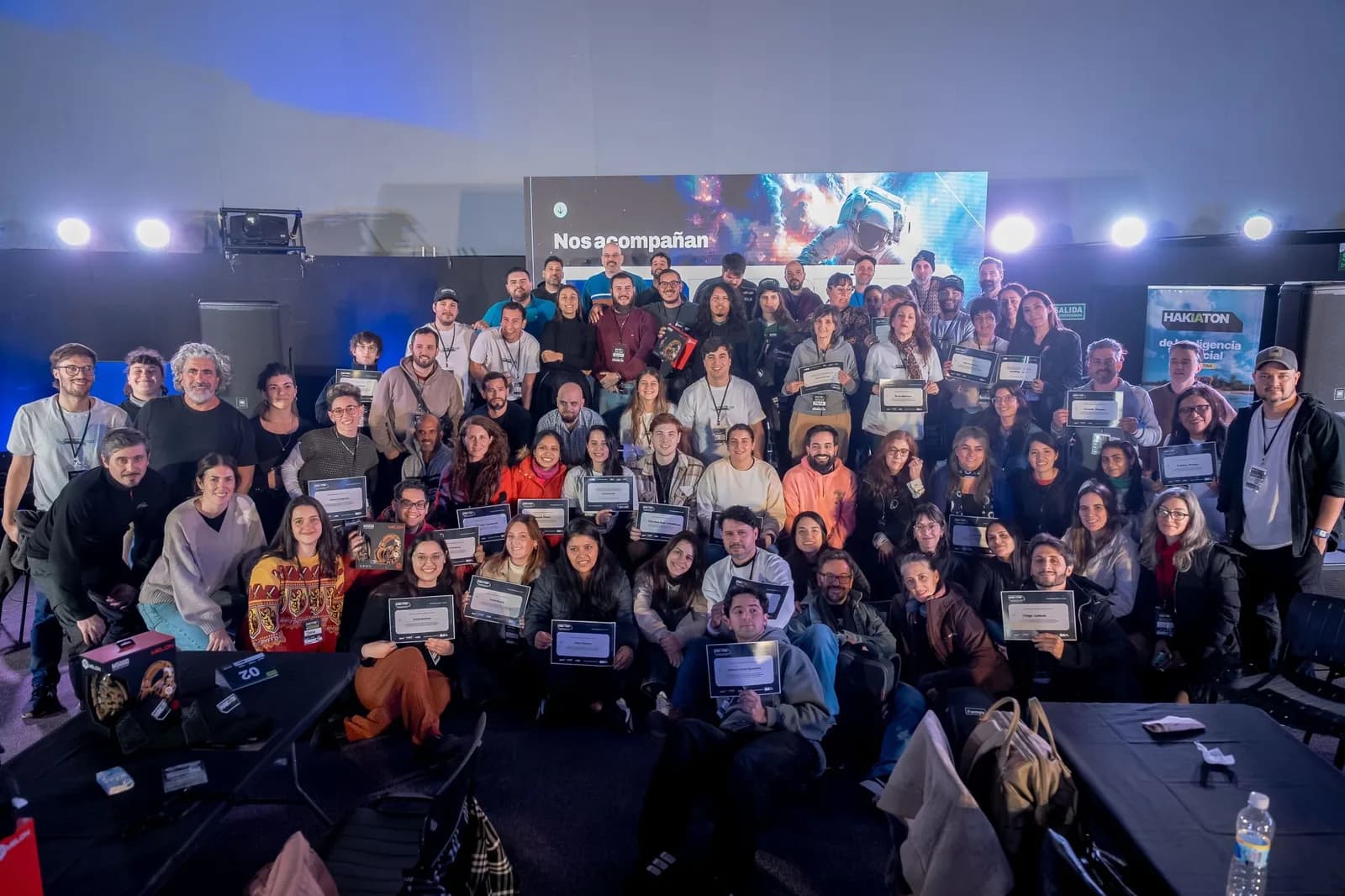
An AI campaign in 10 hours: inside the HakIAton
Last Saturday we were the official tool at Hak Team's HakIAton at Parque de la Innovación, Buenos Aires. 15 teams, Endless, a full campaign in one day. Here's what we saw from the room.
The problem with learning AI through ten different tools
When a team adopts AI by jumping between Midjourney, Runway, Krea, and Nano Banana, they learn very little about each tool in isolation. Real learning is something else: knowing how to combine them inside a real workflow, accounting for cost in an integrated way, and learning how to split tasks across a team.

How to evaluate your team’s AI tools
Review the work involved in moving files, repeating instructions, and sharing results across your team’s AI tools.
Questions from schools
Give your next idea a place to grow.
Start free, create a project, and bring your brand’s references together. Or book a demo to explore Endless with your team.