White background photo
Pick a photo. After you sign in, attach it in your workspace chat and the agent replaces the background with plain white using an image model like Nano Banana, keeping the subject as it is.

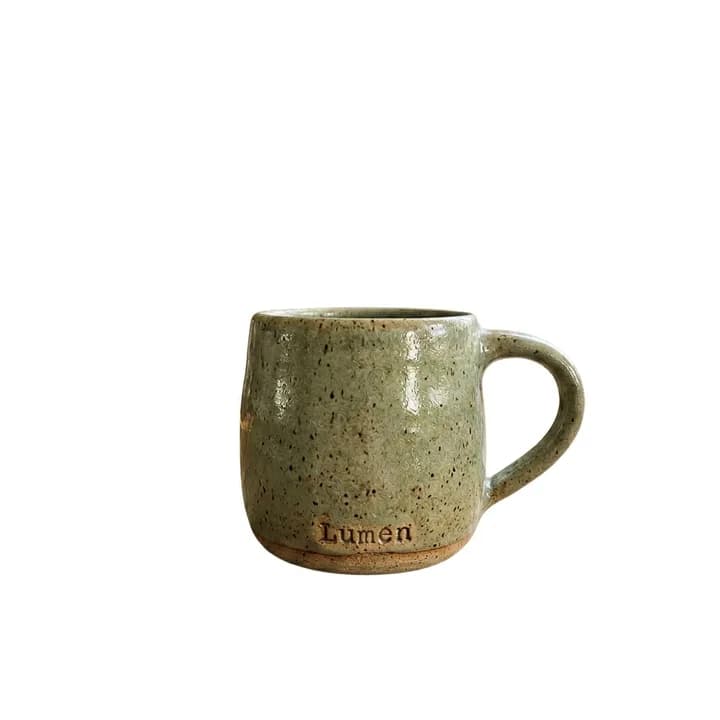

How do you put a white background on a photo?
A white background removes everything behind the subject and leaves it on plain white. It is the standard look for product listings and catalogs, because the product is the only thing to look at and every photo in the store matches. Amazon, for example, asks for a pure white background on a product's main image.
With AI you do not need a studio or a cut-out in an editing program. An image editing model finds the subject, keeps it and paints the rest white. It works for products, portraits, clothing, food and objects shot on a table or a floor.
In Endless, the agent edits the photo with a model such as Nano Banana 2.1 and saves the result as an asset. If you need the subject with no background at all, the Remove background model cuts it out onto a transparent PNG for 1 credit, and you can ask for either in the same chat.
How it works
- 01
Pick your photo
Drop or choose the photo in the box above. A sharp photo where the whole subject is visible gives the cleanest edges.
- 02
Sign in and attach it again
Create a free Endless account or sign in. Your workspace chat opens with the prompt already written. The file stays on this page, so attach the photo again in the chat and send.
- 03
Download the result
The agent quotes the cost, replaces the background with white and saves the image in your assets. Ask for a soft shadow, a square crop or the next photo in the same chat.
What people use it for
- 01
Product listings
Prepare main images for Amazon, Mercado Libre, Shopify or Etsy on the plain white background buyers expect.
- 02
Catalogs that match
Put every product shot from different phones and rooms on the same white background, so the catalog looks like one shoot.
- 03
Profile and team photos
Give everyone on a team page the same clean background, from photos taken in different places.
- 04
Clothing and accessories
Turn a photo of a garment on a bed or a hanger into a clean shot on white for a store or a lookbook.
Frequently asked questions
Is it free to put a white background on a photo?
You can start free. A free Endless account comes with the Free plan, which gives your workspace 100 credits when you create it and 50 credits every week. Each edit spends credits from that balance, and the cost depends on the model and the resolution. The agent tells you the cost before it runs.
How is this different from changing the background?
This page always gives you plain white, the background stores and catalogs ask for. Change image background puts the subject in any new scene you describe, such as a beach, a kitchen or a studio set.
How is this different from the AI product photo generator?
This page keeps your photo and only makes the background white. The AI product photo generator creates new shots of a product, with other settings, angles and light, for ads and social posts.
Should I remove the background or make it white?
Remove the background when you need a transparent PNG to place on a design or a slide. Make it white when you need a finished photo for a listing or a catalog. The Remove background tool costs 1 credit per image at the current price.
Will the product or person stay the same?
The agent asks the model to change only the background. Models repaint the image, so check labels, logos and small text before you publish, and ask for a new version if something changed.
Can I use it for a passport or ID photo?
Check the rules for that document first. Many passport and visa offices do not accept photos that were digitally edited, even if only the background changed. For an official photo, a photo taken against a white wall is the safer choice.
Are my photos private?
Photos you attach and the results made from them are saved in your workspace as assets, private by default, and you decide who to share them with. Use photos you have the rights to.
Related posts
The best Midjourney alternatives in 2026: features, pricing and limits
Leonardo, Ideogram, Adobe Firefly, Krea, Recraft, ChatGPT and Endless: what each one does differently from Midjourney, who it suits, what it costs and where it falls short.
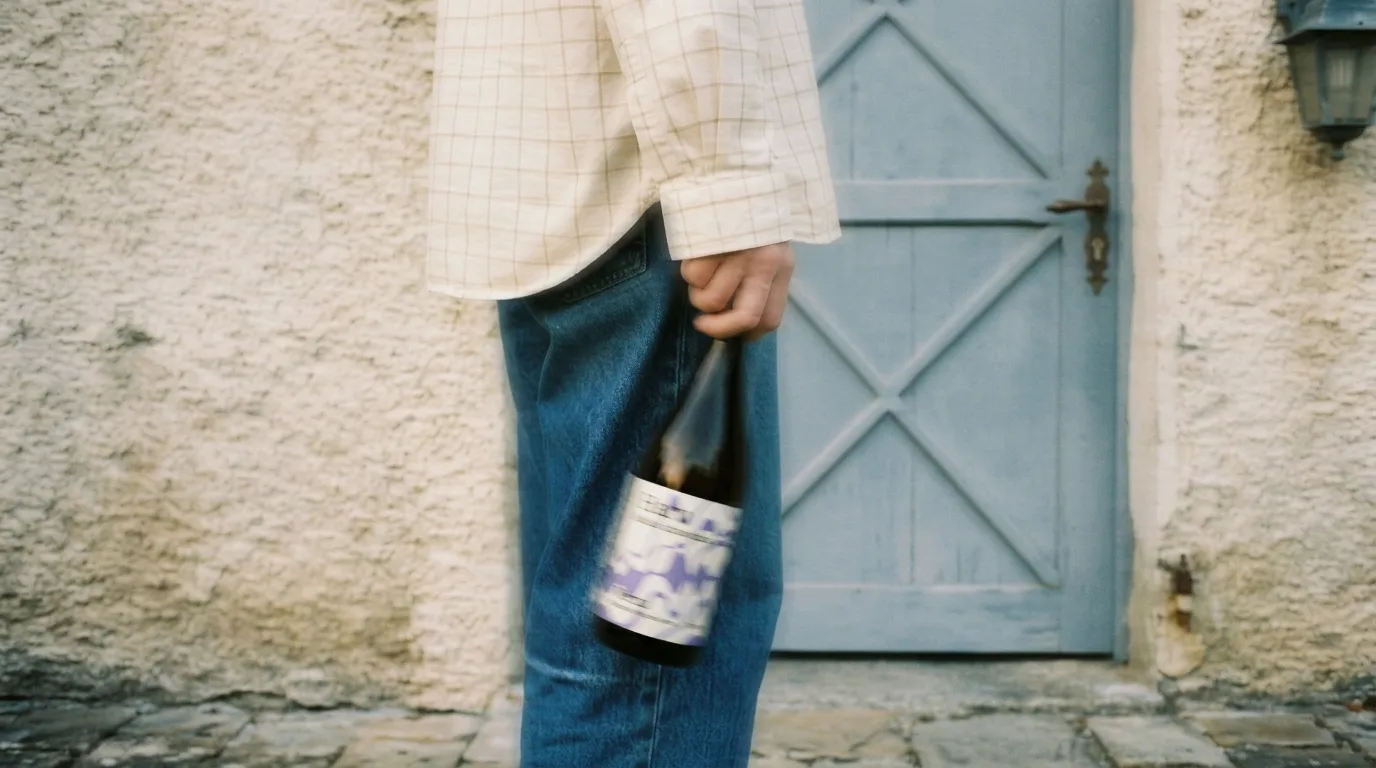
From phone photos to brand content: the full guide
You shot photos with your phone, no studio, no production. Here's how to turn them into professional brand content using AI, step by step, with a vermouth bottle as the example.
Four image models in February: does any of them actually beat Nano Banana Pro?
Recraft V4, Seedream 5.0, and FireRed all shipped in the same month. One only generates, one only edits, the other two do both. We tested them with the same prompts to see if there's a real reason to switch.
Related tools
Change image background
Replace the background of a photo with a new scene you describe.
Open the tool: Change image backgroundRemove background
Cut the subject out of a photo onto a transparent background, saved as a PNG.
Open the tool: Remove backgroundAI product photo generator
Turn one product photo into studio and lifestyle shots for your store and ads.
Open the tool: AI product photo generator
Give your next idea a place to grow.
Start free, create a project, and bring your brand’s references together. Or book a demo to explore Endless with your team.