AI image generator
Write what the image should show, the style and the format. After you sign in, the agent in your workspace chat picks an image model that fits, tells you the cost, generates the image and saves it in your workspace.
What is an AI image generator?
An AI image generator turns a written description into a picture. You say what is in the frame, the style and the light, and an image model draws it. A photo-style product shot, an illustration for a post, a background for a slide or a character for a story can all start as one sentence.
Models are good at different things. Nano Banana 2 is fast and handles realistic scenes and edits, FLUX 3 Image keeps layouts precise and text sharp, Seedream 5.0 is strong at detailed, stylized images, and GPT Image 2.5 follows long instructions and can return a transparent background. Trying the same description on two models is often the quickest way to a result you like.
Endless puts these models in one workspace chat. The agent turns your description into a prompt for the model it picks, tells you the cost, and saves every image as an asset. In the same chat you can ask for a change, a different format, a larger version or a short video made from the image.
How it works
- 01
Describe the image
Type what the image should show in the box above: the subject, the setting, the style and the format. One line works; more detail gives closer results.
- 02
Sign in and send the prompt
Create a free Endless account or sign in. Your workspace chat opens with the prompt already written from your description. Attach a reference image if you have one, then send.
- 03
Review and refine
The agent tells you the model and the cost, generates the image and saves it in your assets. Ask for changes, another model or another format in the same chat.
What people use it for
- 01
Images for social posts
Make a square image for a feed post or a vertical one for a story from a description of the idea, in the style you already use on your account.
- 02
Illustrations for articles and slides
Get a header image for a blog post, a newsletter or a presentation that shows the topic, without searching stock libraries for something close enough.
- 03
Product and concept mockups
Picture a product, a package or a room before it exists, so a team can react to an image instead of a written description.
- 04
Characters and scenes for stories
Describe a character once and ask for new scenes with the same look, attaching the first image as a reference so the face and clothes stay consistent.
- 05
Compare models on one idea
Run the same description on two or three models and see which handles the light, the style or the text best before you make more images.
- 06
Start a video from a still
Generate the first frame you want, then ask the agent to animate it with a video model in the same chat.
Frequently asked questions
Is the AI image generator free?
You can start free. A free Endless account comes with the Free plan, which gives your workspace 100 credits when you create it and 50 credits every week. Each image spends credits from that balance, and the cost depends on the model, the resolution and the quality. The agent tells you the cost before it runs.
Which models can I use?
Nano Banana 2 and 2.1, Nano Banana Pro, FLUX 3 Image, Seedream 5.0, GPT Image 2.5, Ideogram 4.5 and Krea 3, among others, and all of them are on the Free plan. The agent picks one that suits your description, and you can name the model you want.
How is this different from the AI logo or poster generator?
Those pages write a prompt for one kind of image, with rules for lettering and layout. This page is for any image. If you want a logo, a poster or a YouTube thumbnail, those tools give the agent a better starting brief.
Can I edit an image after it is generated?
Yes. Ask in the same chat for a different background, color, pose or format, and the agent edits the image with a model that keeps what you do not ask to change. Each version is saved as its own asset, so you can go back to an earlier one.
Can I use my own photo as a reference?
Yes. Attach the photo in the chat and say what to keep from it, such as a face, a product or a color palette. Most of the image models take one or more reference images.
What sizes and formats can I get?
Square, vertical and horizontal formats such as 1:1, 4:5, 9:16 and 16:9, and up to 4K on models that support it. Images are saved as PNG or JPG files. GPT Image 2.5 can return a PNG with a transparent background.
Can I use the images commercially?
You are responsible for the rights in what you publish. Check the terms of the model you used, and avoid prompts that copy a living artist's style closely, a brand's logo or a real person's likeness without permission.
Are my images private?
Every image is saved in your workspace as an asset, private by default, and you decide who to share it with. Endless does not post or publish your files anywhere.
Related posts
The best Midjourney alternatives in 2026: features, pricing and limits
Leonardo, Ideogram, Adobe Firefly, Krea, Recraft, ChatGPT and Endless: what each one does differently from Midjourney, who it suits, what it costs and where it falls short.
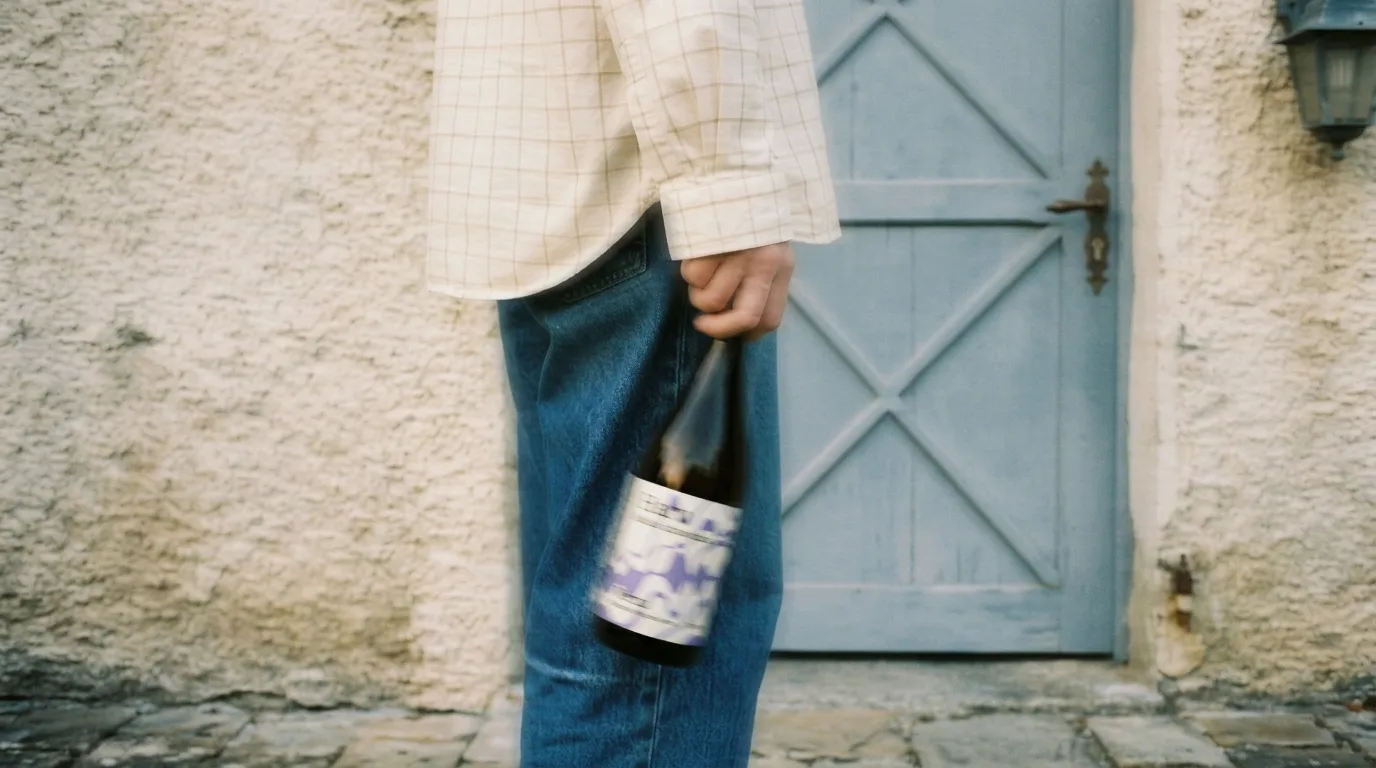
From phone photos to brand content: the full guide
You shot photos with your phone, no studio, no production. Here's how to turn them into professional brand content using AI, step by step, with a vermouth bottle as the example.
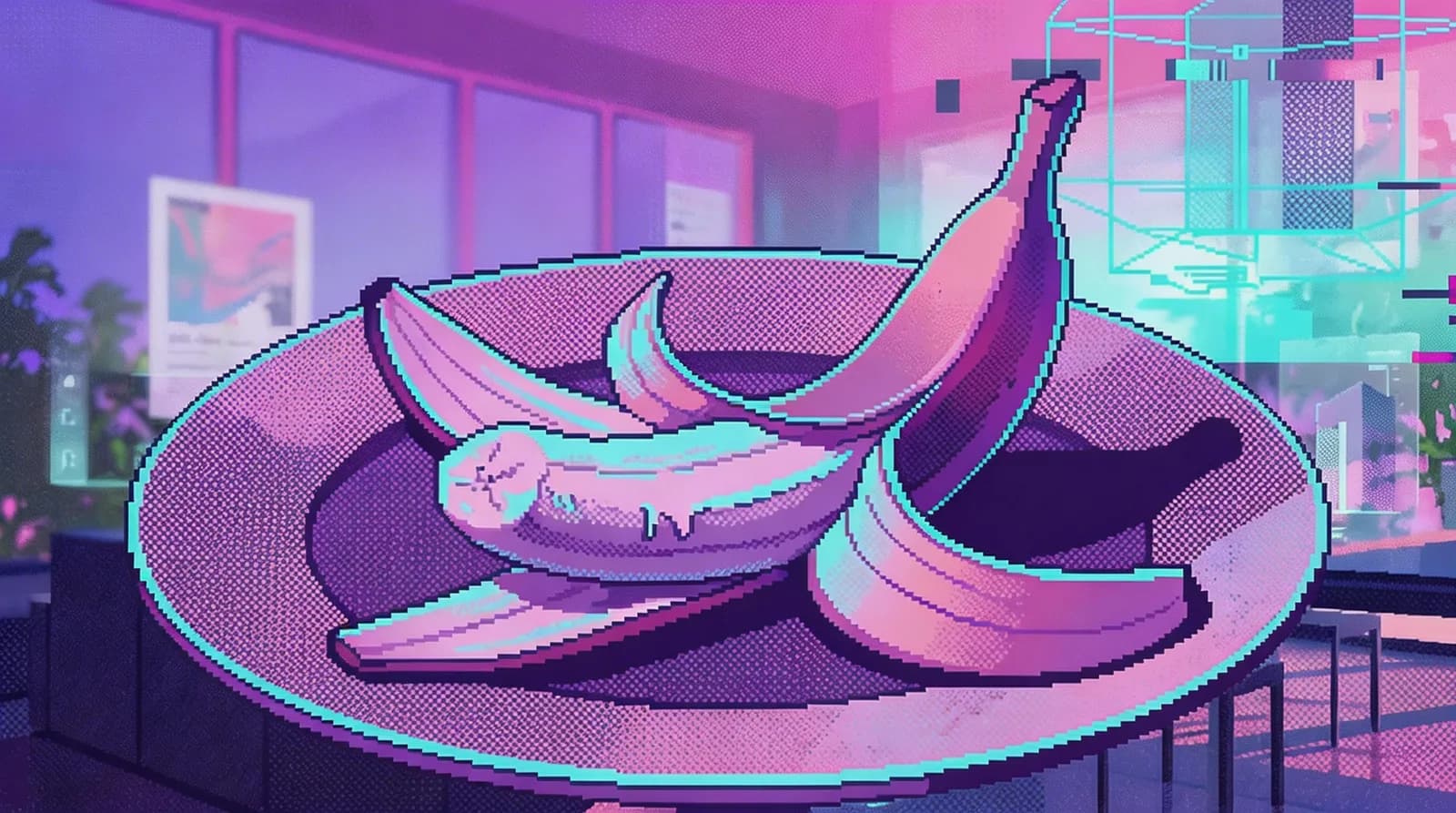
Four image models in February: does any of them actually beat Nano Banana Pro?
Recraft V4, Seedream 5.0, and FireRed all shipped in the same month. One only generates, one only edits, the other two do both. We tested them with the same prompts to see if there's a real reason to switch.
Related tools
Image to prompt
Turn an image into a text prompt that describes its subject, composition, light, style and colors.
Open the tool: Image to promptAI logo generator
Describe your brand and get several logo options with clear, readable lettering.
Open the tool: AI logo generatorAI video generator
Describe a scene and get a video clip from Kling, Seedance, Veo or Wan.
Open the tool: AI video generator
Give your next idea a place to grow.
Start free, create a project, and bring your brand’s references together. Or book a demo to explore Endless with your team.