AI virtual try-on
Pick a photo of the person. After you sign in, attach it in your workspace chat together with a photo of the garment, and the agent dresses the person in it with a multi-reference image model.
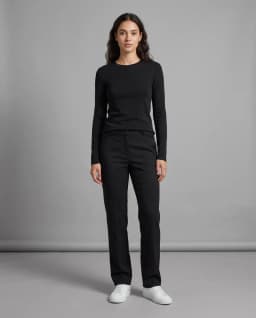
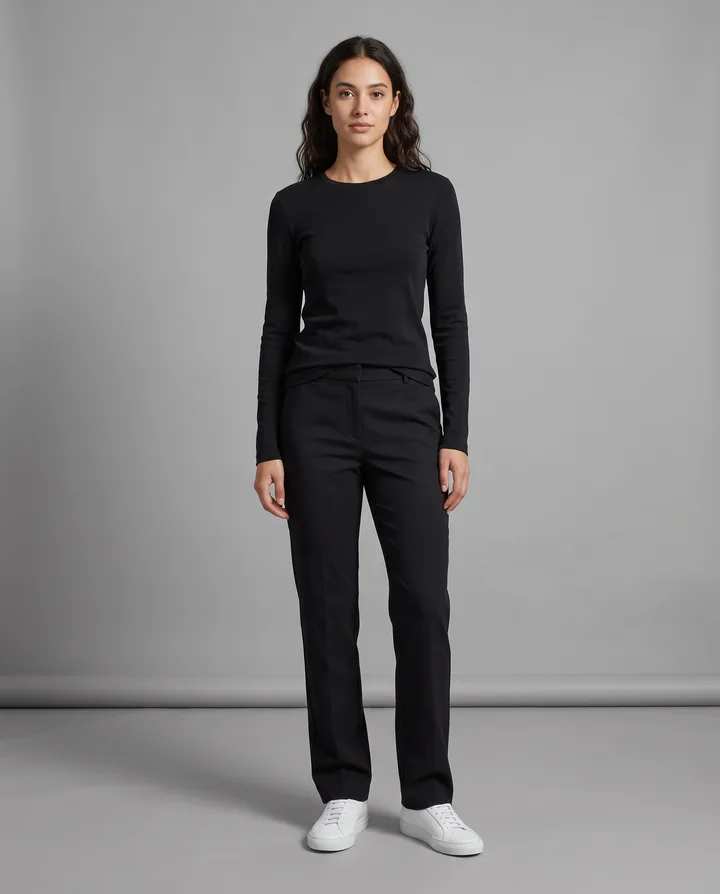
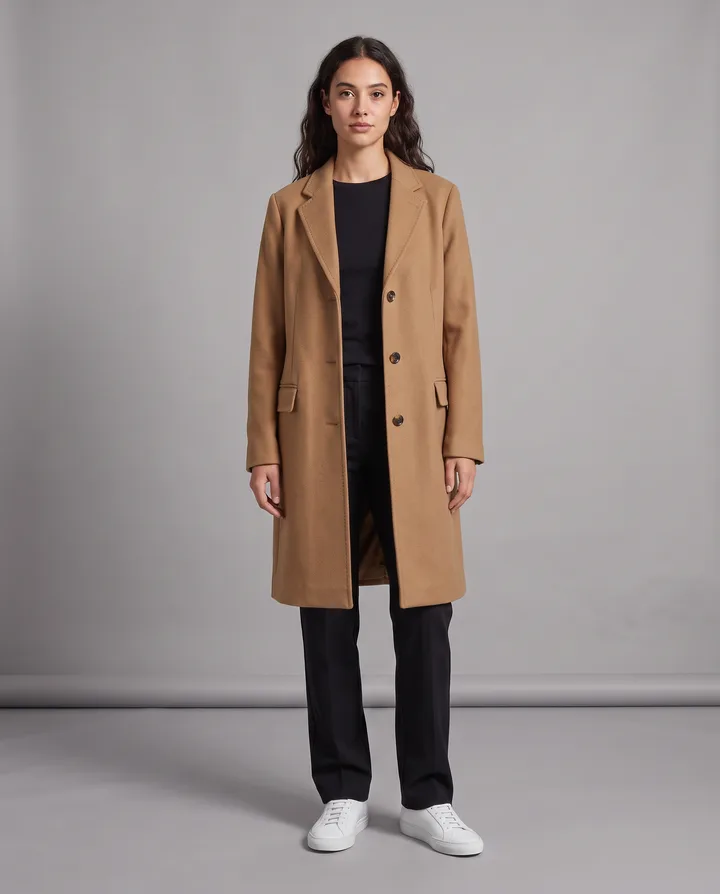
What is an AI virtual try-on?
An AI virtual try-on shows a piece of clothing on a person without a fitting or a photo shoot. You give two images: a photo of the person and a photo of the garment, which can be a product photo on a white background, a flat lay or a shot from a store page. The model draws the garment on the person and keeps their face, pose and surroundings.
Fashion stores use it to show one item on several models, shoppers use it to picture an outfit before they buy, and stylists use it to put together looks for a client. You can also skip the garment photo and describe the change, such as put me in a navy suit or swap the jacket for a beige trench coat.
Endless runs try-ons with image models that take more than one reference image, such as Nano Banana 2, Nano Banana Pro, GPT Image 2.5, Seedream 5 and FLUX 3 Image. The result is an illustration of how the garment could look. It does not measure the person or the item, so it is not a sizing or fit guarantee.
How it works
- 01
Pick the photo of the person
Drop or choose a photo of the person in the box above. A full-body or waist-up photo with the body clearly visible works best.
- 02
Sign in and attach both photos
Create a free Endless account or sign in. Your workspace chat opens with the prompt already written. The file stays on this page, so attach the photo of the person again, add the photo of the garment, and send.
- 03
Review the look and try more
The agent dresses the person in the garment and saves the image in your workspace assets. Ask for another color, another item or another person in the same chat.
What people use it for
- 01
Show a garment on models
A fashion store can put one dress, shirt or jacket on models with different body types and skin tones, from a single product photo, before or instead of a full shoot.
- 02
Try before you buy
Shoppers can drop a photo of themselves and a screenshot of an item to see roughly how the color and cut look on them before ordering.
- 03
Styling for clients
Stylists can put together several outfits on a photo of the client and send the options for feedback, instead of describing them in words.
- 04
Lookbooks
Dress the same model in each piece of a collection so a lookbook or a line sheet has a consistent face, pose and light from page to page.
- 05
Change clothes by description
Without a garment photo, describe the outfit: put me in a navy suit, a red knit sweater or a white linen shirt. The model invents the item from your words.
- 06
Colorways and variants
Show the same jacket in black, olive and sand on one model to compare colorways or to fill a product page before every variant is photographed.
Frequently asked questions
Is the AI virtual try-on free?
You can start free. A free Endless account comes with the Free plan, which gives your workspace 100 credits when you create it and 50 credits every week. Nano Banana, GPT Image, Seedream and FLUX are available on the Free plan, and each try-on spends credits from that balance. The cost depends on the model and settings, and the agent tells you before it runs.
What photos do I need?
A photo of the person, ideally full body or from the waist up, standing straight with arms not covering the torso. And a photo of the garment: a product photo on a plain background or a flat lay works best, with the whole item visible. Any common image format such as JPG, PNG or WebP works.
Can I change clothes without a garment photo?
Yes. Attach only the photo of the person and describe the outfit, for example put me in a navy suit with a white shirt. The model creates the item from your description, so it will not match a specific product.
Will the fit be accurate?
No tool can promise that. The model shows how the garment could look on the person, but it does not know their measurements or the item's size chart. Use it to judge color, style and overall look, and check the size guide before you buy or sell.
Will the garment look exactly like the product?
The agent asks the model to keep the garment's color, pattern and details as in its photo. Models repaint the image, so check small things like logos, prints, buttons and stitching, and ask for another version if something changed.
Can I use the images in my store?
You are responsible for the rights to the photos you attach, including the people in them and the product photos. Use photos of models who agreed to it and of garments you have the rights to show, and check the terms of the model you use for any commercial use limits.
Are my photos private?
The photos you attach and every try-on are saved in your workspace as assets, private by default, and you decide whether to share them with teammates. Endless does not post or publish your files anywhere, and your originals stay unchanged.
Related tools
AI product photo generator
Turn one product photo into studio and lifestyle shots for your store and ads.
Open the tool: AI product photo generatorFace swap
Put a face from one photo onto a person in another photo, with your own face or with permission.
Open the tool: Face swapChange image background
Replace the background of a photo with a new scene you describe.
Open the tool: Change image background
Give your next idea a place to grow.
Start free, create a project, and bring your brand’s references together. Or book a demo to explore Endless with your team.