AI video generator
Describe the scene: who or what is in it, what happens and how the camera moves. After you sign in, the agent in your workspace chat picks a video model, tells you the length and the cost, and generates the clip.
What is an AI video generator?
An AI video generator turns a written description into a short video clip. You describe the scene, the action and the camera, and a video model renders the motion, the light and, on many models, the sound. A product reveal, a scene for a reel or a shot you could not film can start from one paragraph.
Video models differ in what they do well. Kling handles people and motion, Seedance keeps characters consistent across references and can run up to 30 seconds, Veo 3.1 gives a cinematic look, and Wan 3.0 generates sound together with the picture. A clip costs far more credits than an image, so it helps to settle the description first.
Endless runs these models from your workspace chat. The agent turns your description into a prompt, tells you the model, the length and the cost, and saves the clip as a video asset. If you want to start from a picture instead of text, attach it in the chat or use the image to video tool.
How it works
- 01
Describe the scene
Type what happens in the box above: the subject, the action, the setting and the camera move. Say vertical if the clip is for Reels or TikTok.
- 02
Sign in and send the prompt
Create a free Endless account or sign in. Your workspace chat opens with the prompt already written. Attach an image if you want it as the first frame, then send.
- 03
Check the cost and watch the clip
The agent tells you the model, the length and the cost before it runs, then saves the video in your assets. Ask for another take, another camera move or a longer version.
What people use it for
- 01
Clips for Reels, TikTok and Shorts
Generate a vertical clip for a hook, a transition or a background, sized 9:16 for short-form video.
- 02
Product shots you cannot film
Show a product turning on a pedestal, splashing into water or appearing in a city, from a description and a product photo as reference.
- 03
B-roll for longer videos
Fill gaps in an edit with landscapes, crowds or abstract motion that match the tone of the rest of the video.
- 04
Storyboards in motion
Turn the key scenes of a script into short clips so a client or a team can see the pacing before a shoot.
- 05
Ads and launch teasers
Try several versions of an opening shot for an ad, then keep the take that works and generate the rest in the same style.
Frequently asked questions
Is the AI video generator free?
You can start free. The Free plan gives your workspace 100 credits when you create it and 50 credits every week, and includes Kling Video v3 and Seedance 2.0. A video costs far more credits than an image, so on the Free plan you can make a few short clips. Paid plans add credits and more models.
Which video models can I use?
Kling Video v3 and Seedance 2.0 are on every plan, including Free. Veo 3.1, Seedance 2.5, Kling Video v4, Wan 3.0 and MiniMax H3 need the Hobby plan or higher. The agent suggests a model for your scene, and you can ask for one by name.
How much does a video cost?
It depends on the model, the length, the resolution and whether the clip has sound. A few seconds at 720p costs tens of credits, and longer or higher-resolution clips cost more. The agent tells you the cost before it runs, so nothing is spent without your go-ahead.
How long can a video be?
Most models make clips of 4 to 15 seconds. Seedance 2.5, Kling Video v4 and Wan 3.0 go up to 30 seconds in one pass. For a longer video, generate several clips and join them in an editor.
Does the video have sound?
It can. Kling, Seedance and Wan generate sound together with the picture, and Veo 3.1 can add it as an option. Describe the sound you want, such as waves, a crowd or a voice saying a line, and say no audio if you plan to add music later.
How is this different from image to video?
This page starts from a description. Image to video starts from a photo or picture you already have and animates it. You can also attach an image here in the chat to use as the first frame.
Who owns the videos I create?
Videos are saved in your workspace as assets, private by default, and you decide who to share them with. Check the terms of the model you used for commercial use, and do not generate real people without their permission.
Related posts
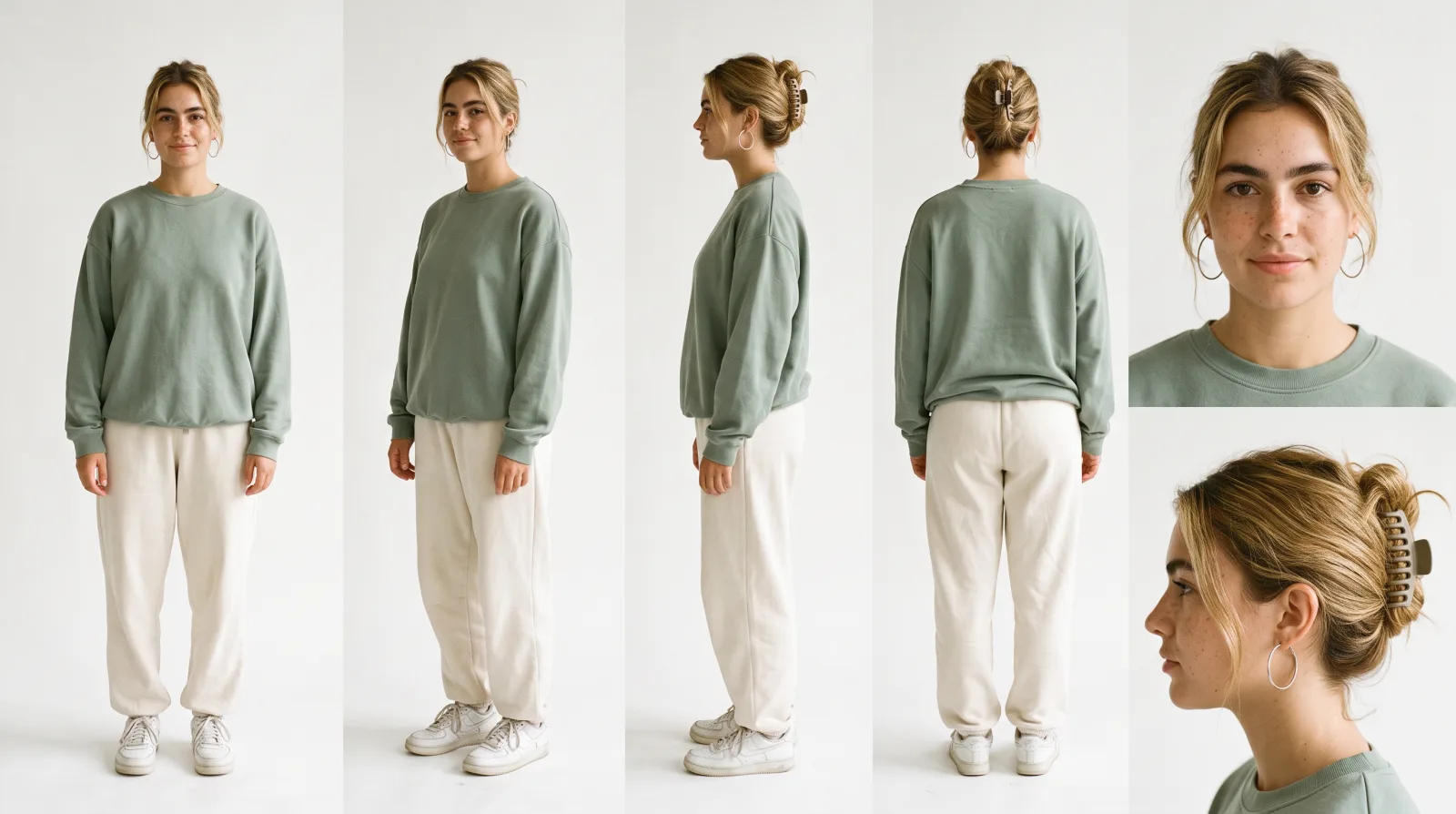
How to make AI UGC videos with a consistent creator: 8 videos, every prompt
How we built Mia, an AI UGC creator for a fictional matcha brand, and made eight UGC videos with her in Seedance 2.5. Every prompt, the three references behind them and what each step cost.
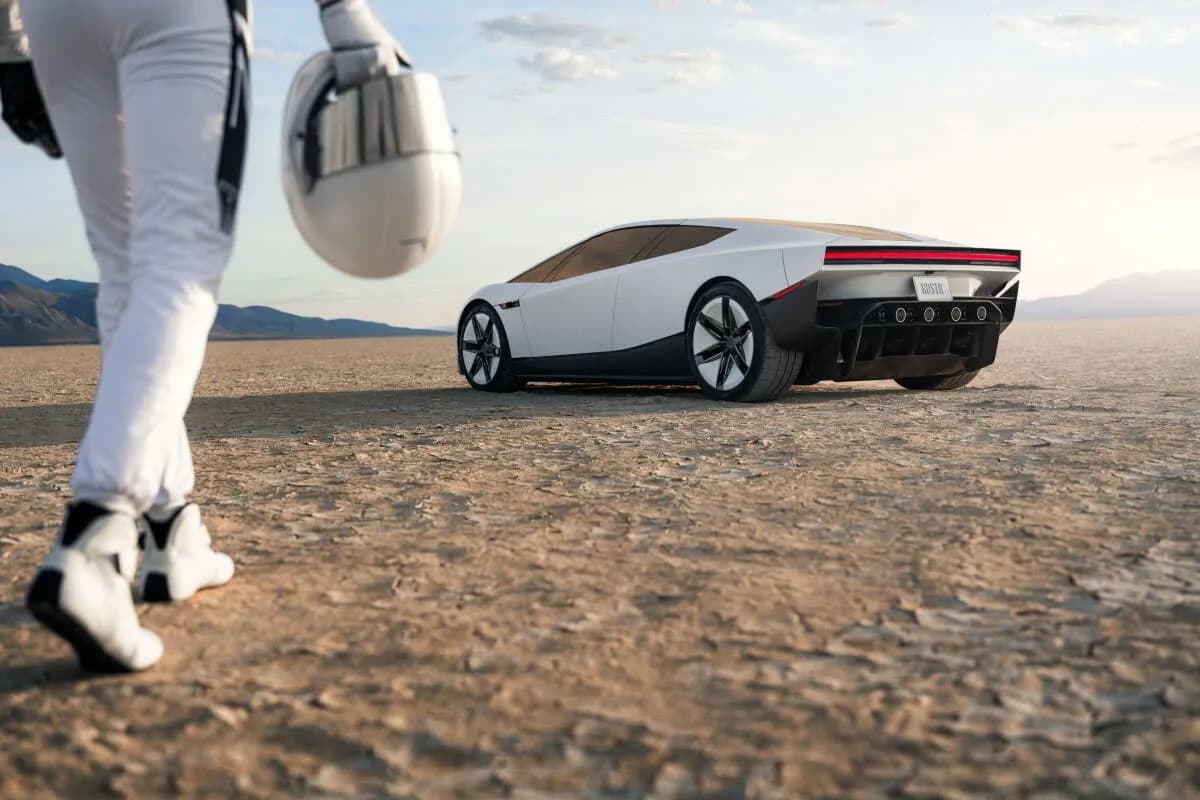
How to make an AI video hook: an 8-second supercar take-off, every prompt
How we made an 8-second street-interview hook where a supercar flies away, plus the B-roll, the inserts and the voiceover, all in Endless with Seedance 2.5. Every prompt, the car references and the four takes it took.
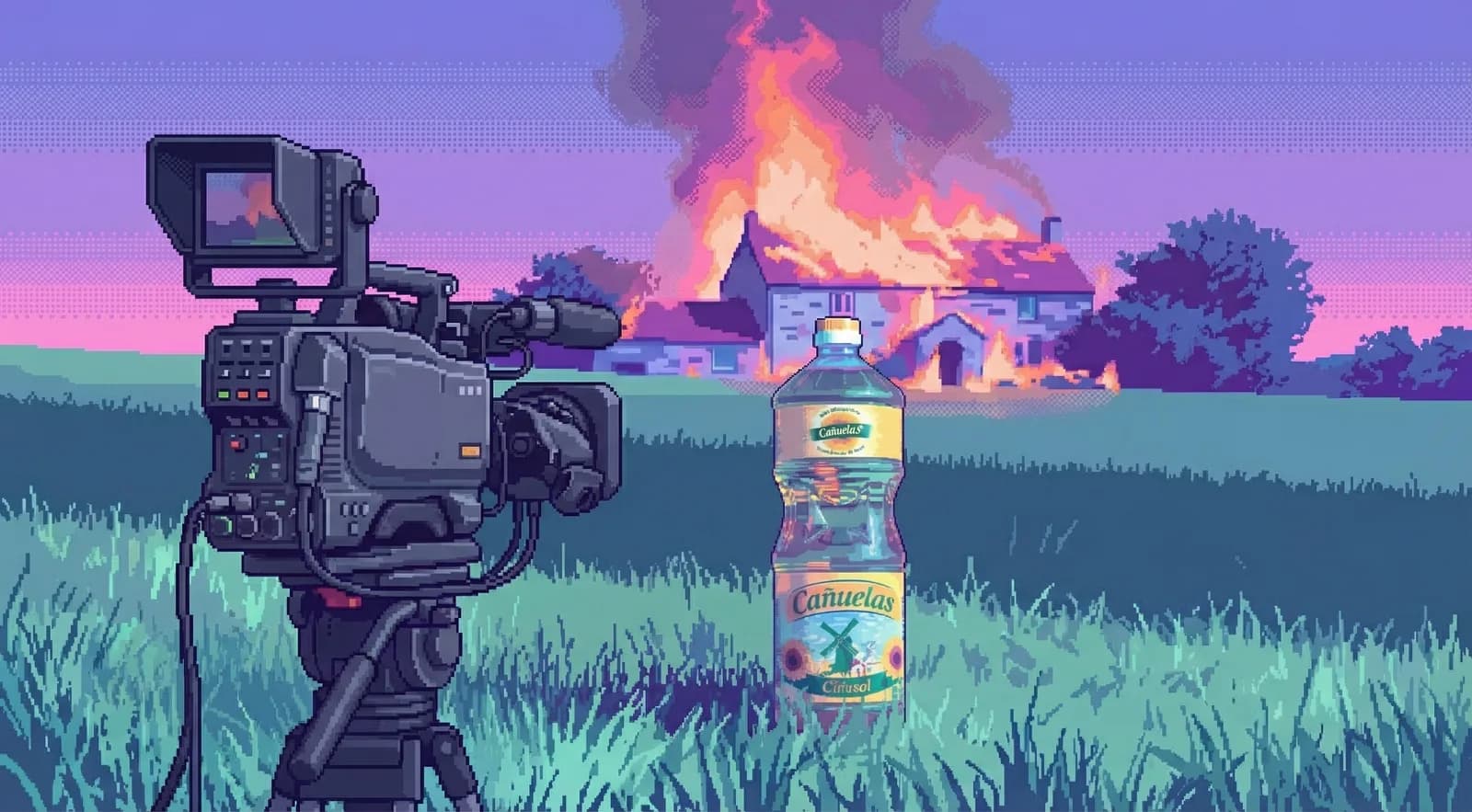
How to build cinematic ads with AI
I made a sunflower oil ad with the aesthetic of a perfume commercial. All AI. All in Endless. Here's what I learned about directing instead of prompting.
Related tools
Image to video
Animate a still image into a short AI video. Describe the motion and pick a video model.
Open the tool: Image to videoAI image generator
Describe a picture and get it from Nano Banana, FLUX, Seedream or GPT Image.
Open the tool: AI image generatorVideo enhancer
Upscale a video clip to 2x, 3x or 4x its size with an AI video enhancer.
Open the tool: Video enhancer
Give your next idea a place to grow.
Start free, create a project, and bring your brand’s references together. Or book a demo to explore Endless with your team.