The best AI tools for marketing agencies with several client brands (2026)
Endless, Jasper, Canva, StoryChief, Planable, Metricool, Krea, Higgsfield and Runway compared on how each keeps client brands apart, what it makes, how a team pays, spending limits, and client approvals.

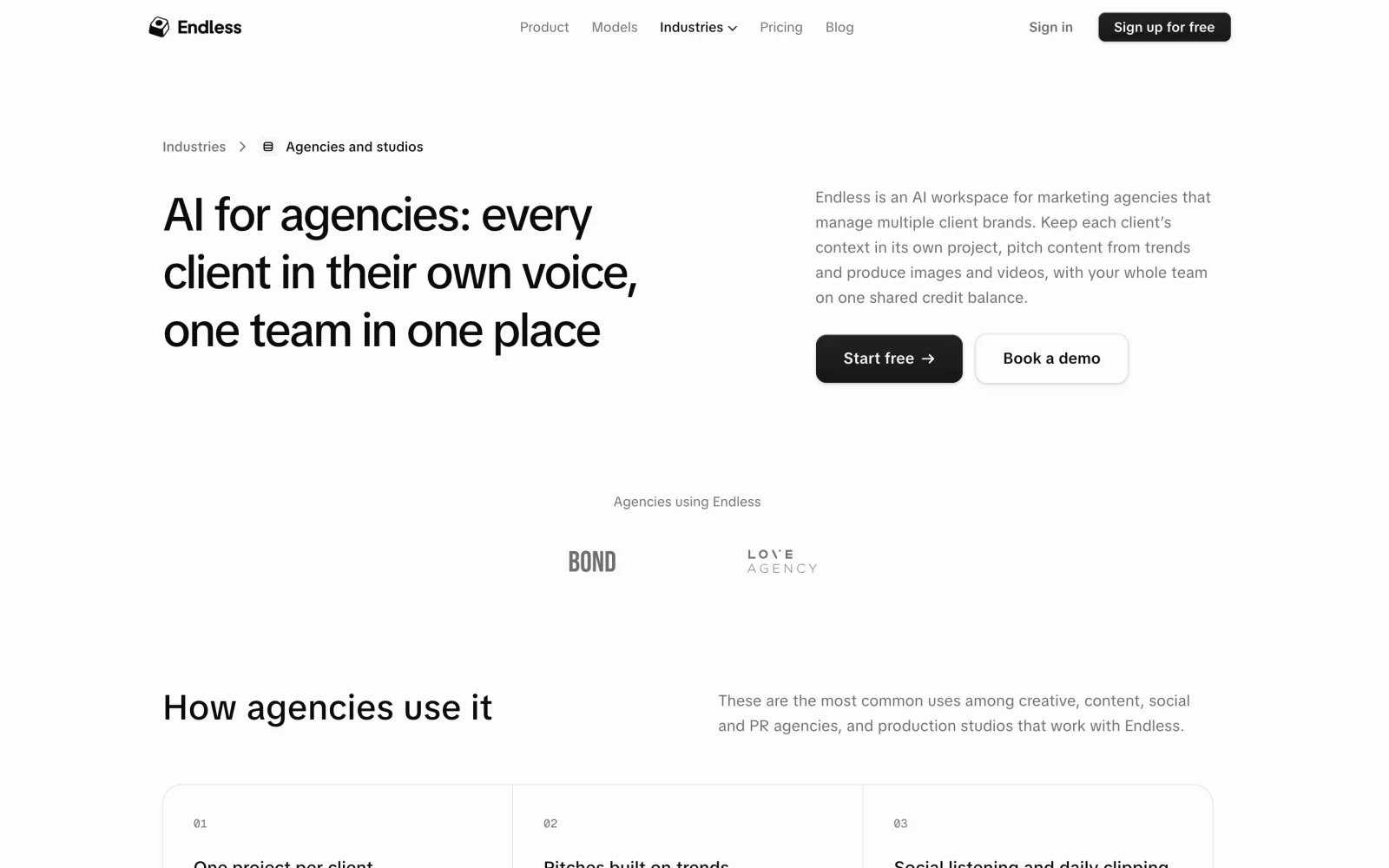
There is no single best AI tool for every agency. The right one depends on what you deliver: Jasper for copy with strict brand rules, Canva for designs from brand kits, StoryChief or Planable for client approvals and publishing, Metricool for social scheduling and reports, Krea, Higgsfield or Runway for images and video, and Endless for one workspace that writes, makes images and video and researches social, with a project per client and spending limits per person and per team. Most agencies end up with two or three of these.
The second question is cost. An agency resells work to clients, so it needs to know what each client's AI work cost and to stop one account from using the month's budget. Tools handle that very differently: some charge per seat, some per client workspace, some from one shared credit balance, and only a few let you cap spending per person.
This guide compares nine tools on both. We make Endless, so read our section with that in mind; we have tried to be as specific about where the others beat us as about where we fit.
Who this is for
Marketing, content, social and creative agencies that run several client brands at once and need to keep each client's voice, files and costs separate. If you also need to bill AI usage back to clients, read the section on controlling costs per client.
How we compared them
We read each company's own pricing, docs and help center in November 2026. Prices are in US dollars, and each pricing page is linked so you can check before buying. Krea and Higgsfield were running Black Friday discounts when we checked, so we quote list prices or none.
The criteria:
- Client separation. Projects, workspaces, brand voices or brand kits, and how many each plan holds.
- What it makes. Copy, images, video, audio, social research.
- How a team pays. Seats, workspaces, brands or credits, and whether AI usage is pooled.
- Spending limits and usage records. Caps per person, team or client, and a record of usage you could bill back.
- Approvals. Whether a client can review and approve work.
The comparison at a glance
From each company's own pages, November 2026.
| Tool | How clients are kept apart | What it makes | How a team pays | Spending limits and usage records | Client approvals |
|---|---|---|---|---|---|
| Endless | A project per client | Copy, images, video, audio, social research | One credit balance, no seat fees | Per person and per team; usage by person, team and model; CSV of every event | No approval step |
| Jasper | Brand voices: 2 on Pro, unlimited on Business | Copy, images | Per seat; Business adds a shared credit bank | Monthly credit limit per user on Business; usage export | Not listed |
| Canva | Brand kits: 5 on Pro, 100 on Business | Designs, images, video clips, copy | Per person, each with their own AI allowance | Allowance fixed per person; AI usage report on Enterprise | Design approval on Business |
| StoryChief | A workspace per client (Agency plan) | Articles, social posts, newsletters | Per workspace, unlimited users | AI credits per workspace; no per-person limit listed | External review link |
| Planable | A workspace per client | Captions, hashtags, replies (text) | Per workspace, unlimited users | AI has no usage limits, so nothing to cap | Client approvers on Pro |
| Metricool | Brands: up to 10 on Starter, 50 on Advanced | Post text, scheduling, analytics, reports | By number of brands | Fixed AI credits per brand | Post approval on Advanced |
| Krea | Workspaces inside an organization | Images, video, 3D, upscaling | Business: a compute pool, up to 50 seats | Per-member monthly limits; usage grouped by workspace and user | Not listed |
| Higgsfield | One shared workspace on Team and Scale | Video, images, audio | Per seat; each seat's credits join one pool | Pause a member on Scale; per-user caps and exports on Enterprise | Not listed |
| Runway | Up to 100 projects and 100 Brand Kits on Team | Video, images, audio | Per seat; each seat's credits join one pool | No per-person allowances on Team | Frame-accurate comments |
"Not listed" means the company's own pages didn't show it when we checked, not that it can never exist.
Endless
Fits: an agency whose team writes, makes images and video, and researches social for several clients, and wants one bill with limits per person.
How it works for an agency. Each client gets a project with its guidelines, website, reference images, files and accounts. Mention the project with @ in a chat and the answer, and the images and video it generates, start from that client's rules; corrections can be saved to the project so the next person doesn't repeat them. The same chat reads public posts, comments and profiles on Instagram, TikTok, YouTube, X, LinkedIn and other networks, and the Meta and LinkedIn ad libraries, for pitches and reports. The whole workspace spends from one credit balance: Basic is $49 a month for up to 10 people and Pro $99 for up to 50, with spending limits per member and per team from Basic up.
Where others beat it. There is no approval step or publishing calendar, which StoryChief, Planable and Metricool have. Spend is reported by person, team, model and feature, not by project, so an agency that wants a cost per client either groups the people who work on one client into a team or splits the activity export by hand. Krea groups usage by workspace. For layouts with exact typography, Canva goes further.
See how agencies use Endless and the plans on the pricing page.
Jasper
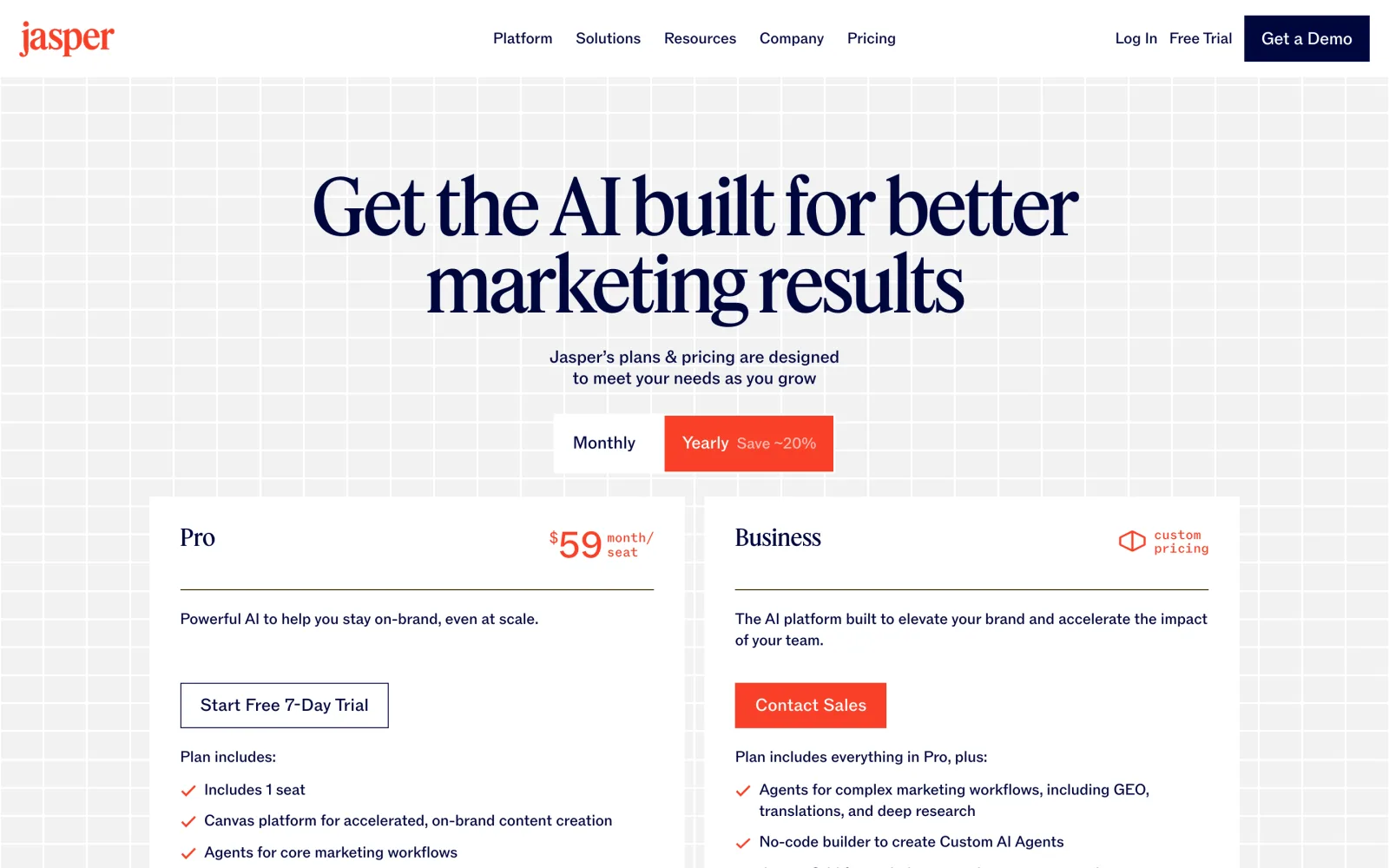
Fits: a content agency that writes a lot of on-brand copy and wants strict, admin-set brand rules.
Where it wins. Brand voices, audiences and a knowledge base per client, and Jasper's pricing page suggests a project per client. Business adds unlimited brand voices, roles, a style guide and visual guidelines. Its credit help page says Business workspaces share one bank of credits for the Grid, the API and MCP, and some agents, and admins can set a monthly credit limit per user. The usage page exports generation and user logs as CSV.
Where it falls short for agencies. Pro holds two brand voices and costs $69 per seat a month ($59 billed yearly). Business is a custom contract with a 12-month minimum. There are no client workspaces or client approval links, video isn't listed, and usage is reported by user and feature, not by client. Pricing
Canva
Fits: an agency whose deliverable is a finished design: social posts, decks, ads from templates.
Where it wins. Business holds 100 brand kits with logos, colors and fonts, plus components, approvals before publishing and social scheduling. Canva AI makes images, short video clips and designs.
Where it falls short for agencies. Billing is per person, and Canva's help center says each member on Business has their own AI allowance, not shared or pooled with the team. Admins can't move allowance to whoever needs it, and the organization-wide AI usage report is for Enterprise. Several approvers per design is also Enterprise only. Pricing · Endless vs Canva
StoryChief
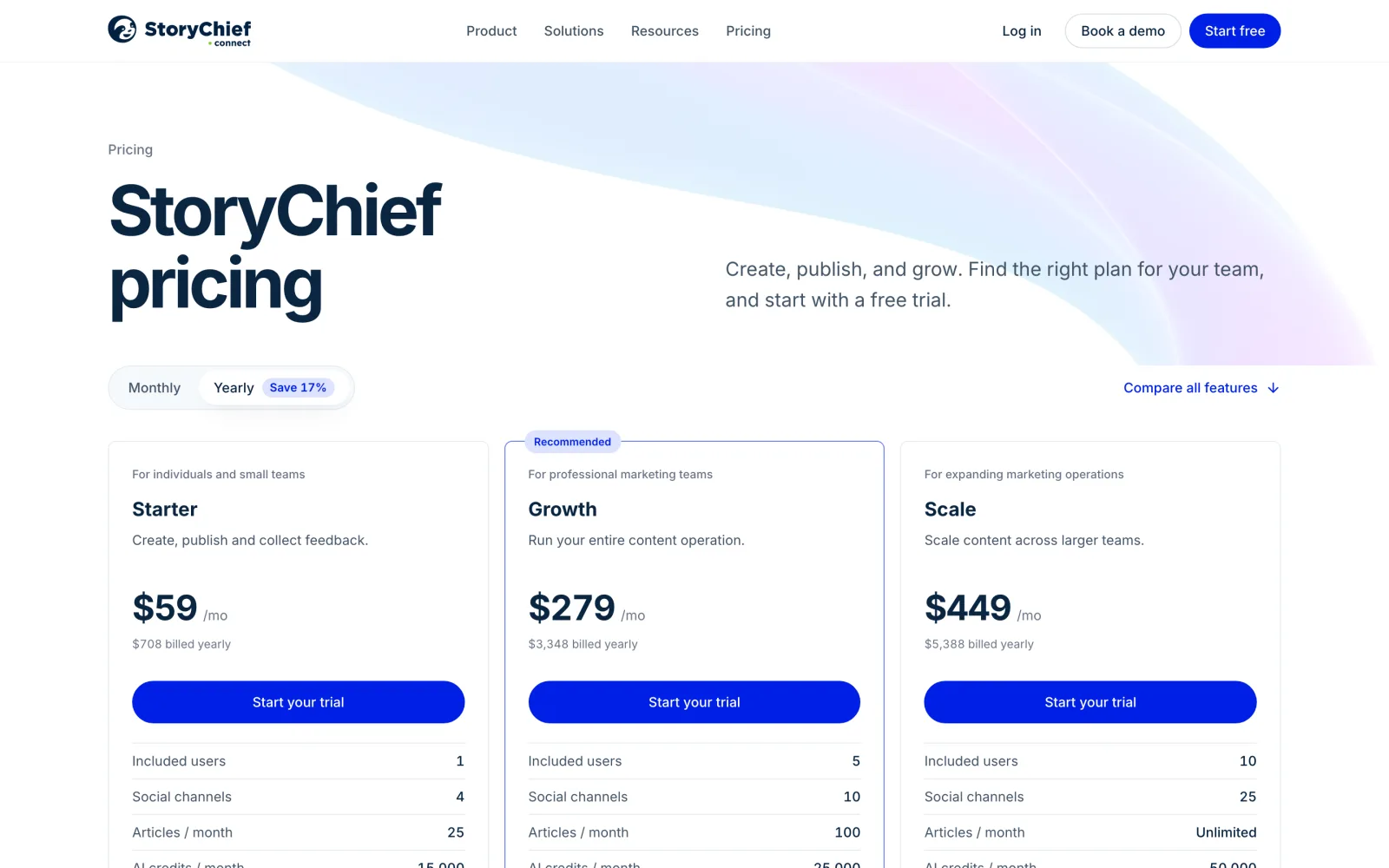
Fits: a content or SEO agency that writes, gets client sign-off and publishes blogs, social posts and newsletters for each client.
Where it wins. On the Agency plan each client gets a workspace with its own content, channels, brand knowledge and team, priced per workspace ($97 a month, or $81 billed yearly) with unlimited users. You invite a client with a role or send an external review link, and your team keeps control of publishing. Each workspace gets 25,000 AI credits a month, so a client's AI use stays inside its own workspace.
Where it falls short for agencies. We found no per-person AI limit or AI usage export. AI images and video depend on the plan or a paid add-on. Twenty clients are twenty workspaces, before any volume discount. Pricing
Planable
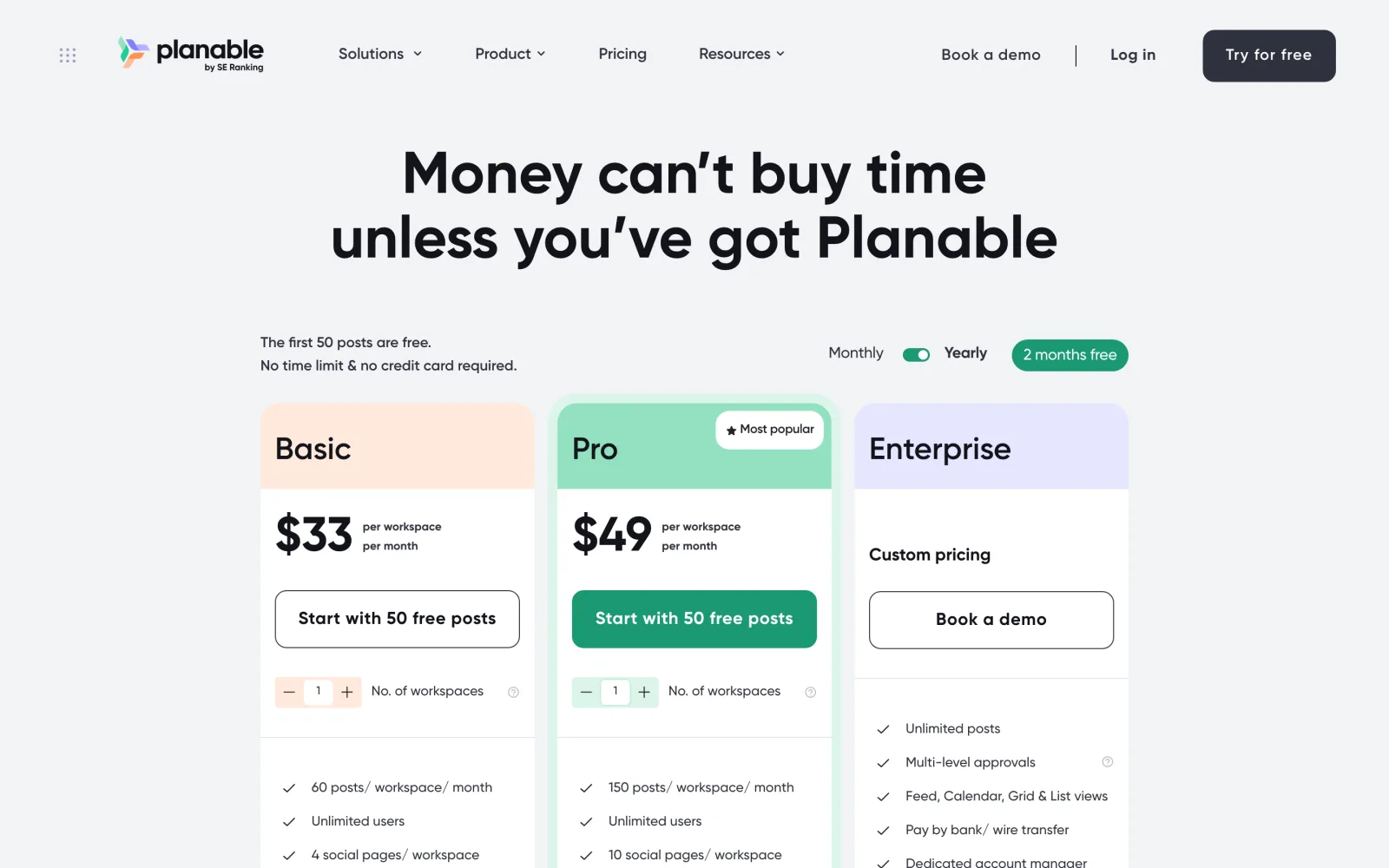
Fits: a social media agency whose main job is getting posts approved by clients.
Where it wins. Planable recommends one workspace per client, each with its own channels, team and approval settings, and charges per workspace with unlimited users: $33 on Basic or $49 on Pro a month, billed yearly. Pro adds required approval and client approvers; Enterprise adds multi-level approvals. Its AI writes captions, hashtags, rewrites and comment replies, on every plan with no usage limit.
Where it falls short for agencies. The AI writes text only; images and video come from another tool. Basic has no client approvers, and each new client adds a workspace at the plan's price. Pricing
Metricool
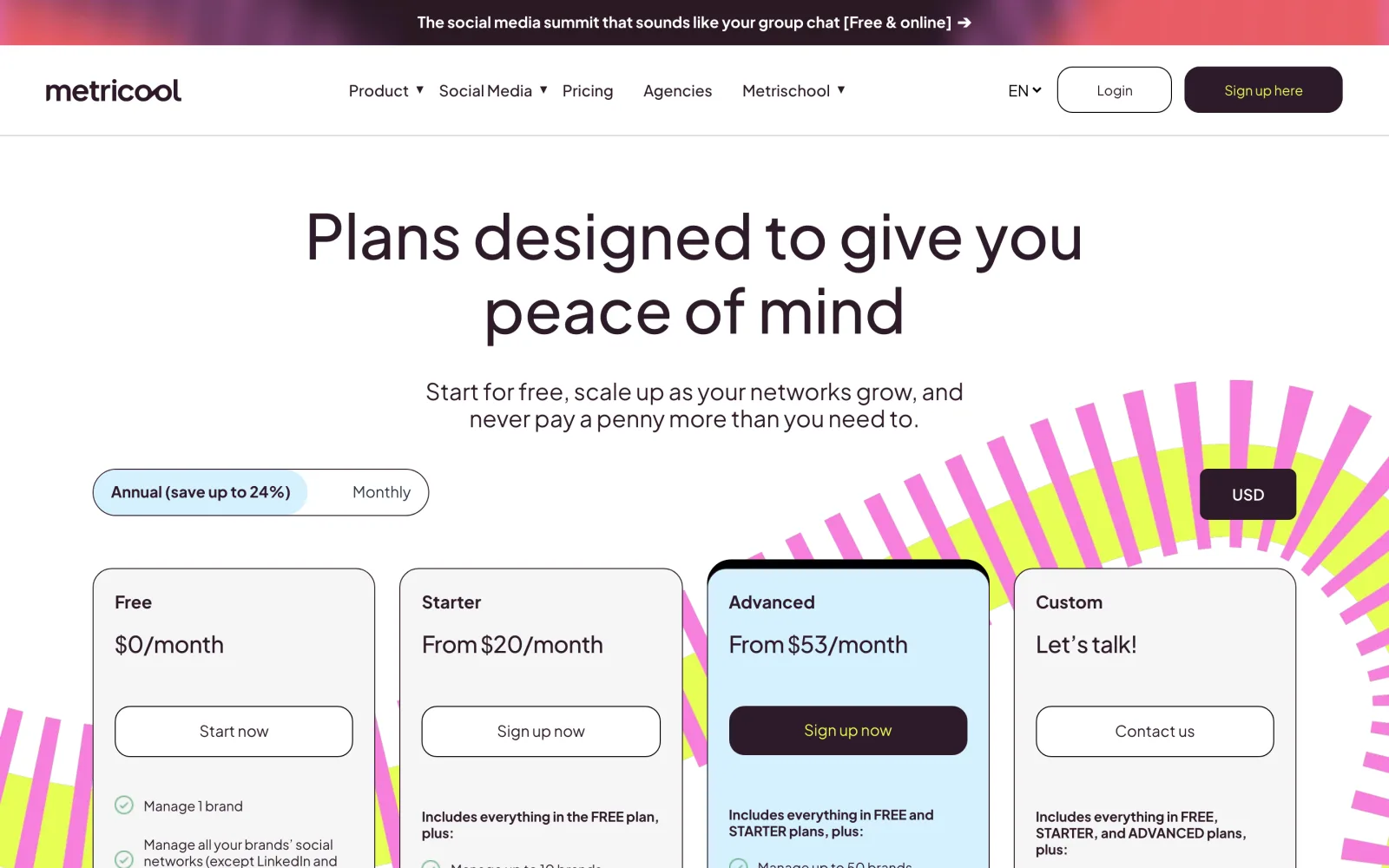
Fits: a social agency that wants scheduling, analytics and client reports for many brands at a low price.
Where it wins. Plans are priced by the number of brands, not per seat: Starter from $20 a month and Advanced from $53, billed yearly, with Advanced reaching 50 brands. Reports come as PDF or slides, Advanced adds post approval, and Metricool's MCP server lets Claude or ChatGPT read the data.
Where it falls short for agencies. The AI assistant writes and edits post text, with a fixed number of AI credits per brand each month (20 on Starter, 35 on Advanced). It doesn't make images or video. White-label access is on the Custom plan. Pricing
Krea
Fits: a creative studio that makes a lot of images and video and wants hard budgets per person.
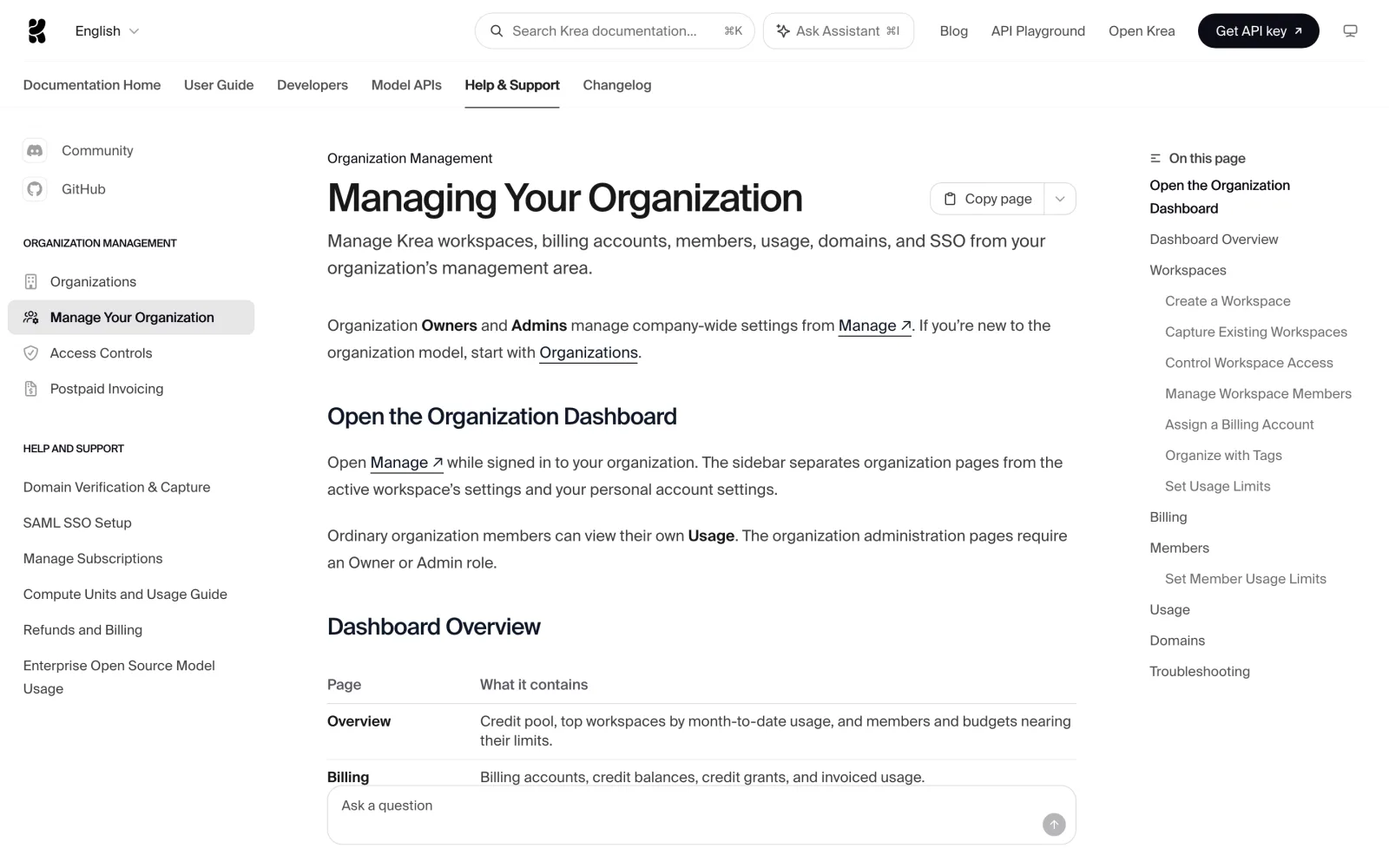
Where it wins. The Business plan includes up to 50 seats on one pool of compute units, with roles, model access controls and per-member spend limits. Krea's organization docs describe several workspaces with tags, a monthly limit per workspace where the plan supports it, and a usage page that groups spend by workspace, user, model or product. That is the closest thing here to a cost per client.
Where it falls short for agencies. There are no chat models or copywriting, no brand voice, and we found no client review or share links. Pricing · Endless vs Krea
Higgsfield
Fits: a performance or social agency producing a high volume of short video ads.
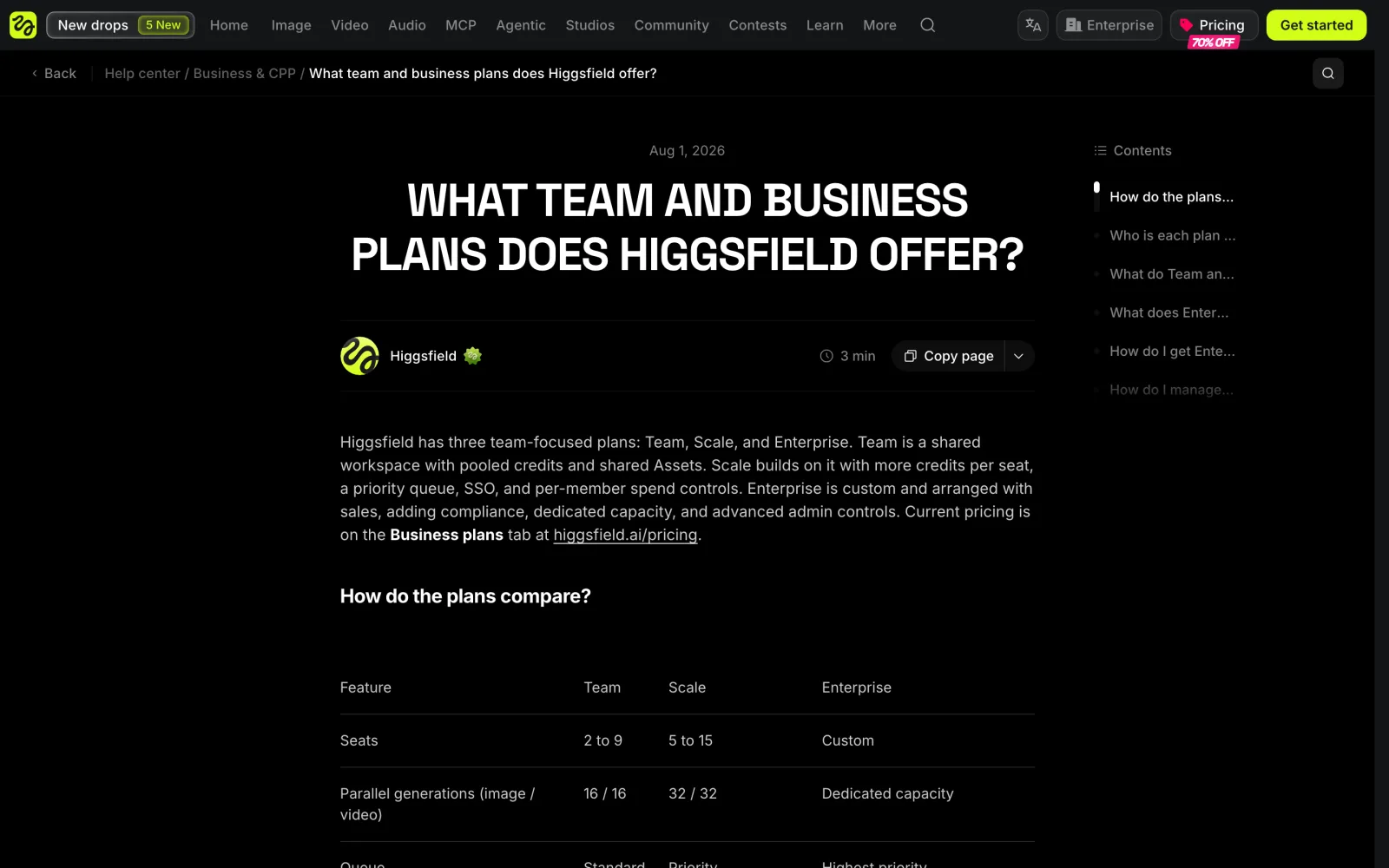
Where it wins. Video first, with many video models next to images and audio. On Team and Scale each seat brings its own monthly credits into one shared balance. Scale (5 to 15 seats, $215 per seat a month at list price) can pause a member's spending, and Enterprise adds per-user caps, user groups with their own limits, and usage report exports.
Where it falls short for agencies. Team (2 to 9 seats, $79 per seat at list price) has no spend control. Team and Scale are one shared workspace, so there is nothing separating one client's work from another's, and there's no copywriting. Help center · Endless vs Higgsfield
Runway
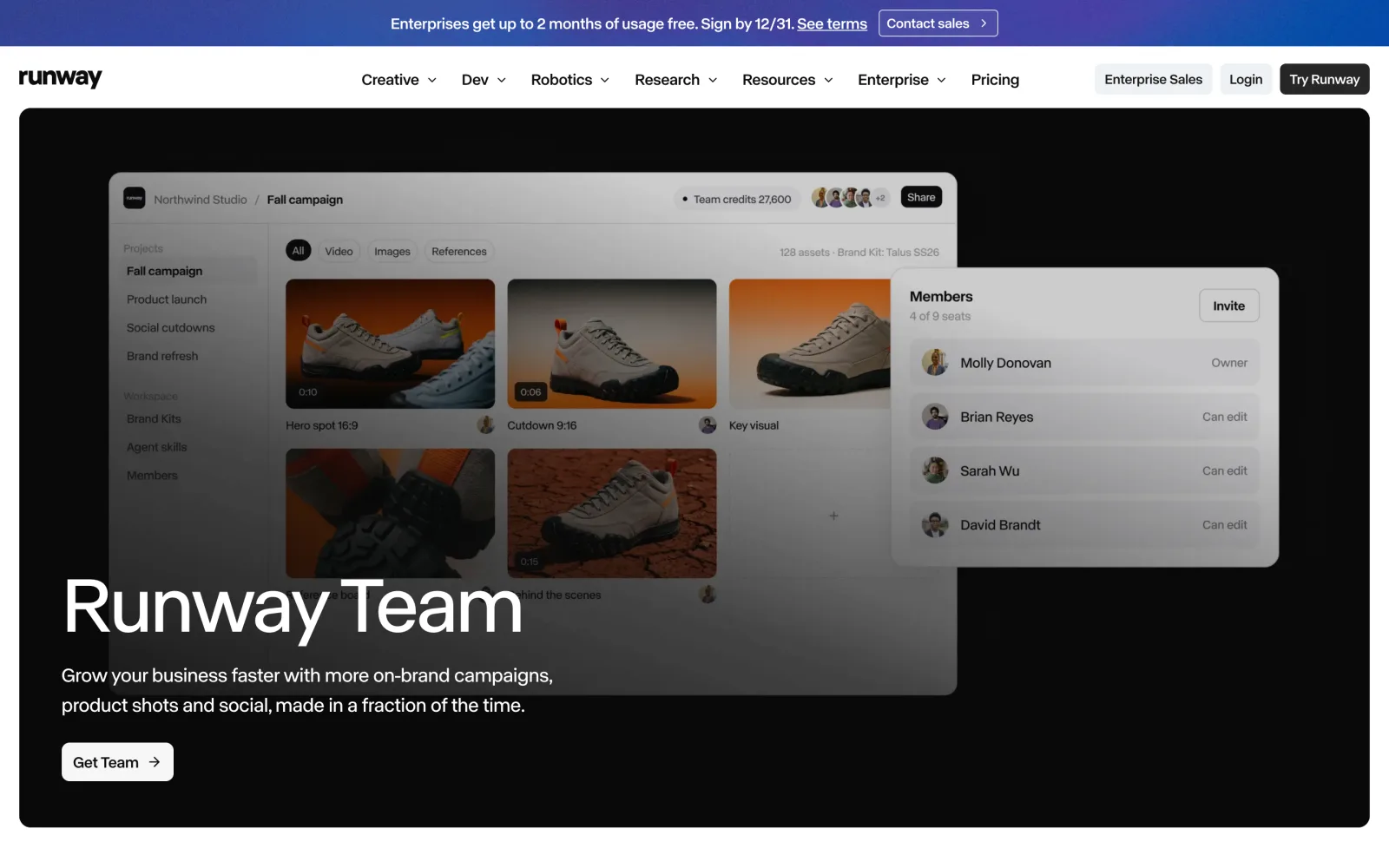
Fits: a video-heavy agency that wants review and comments in the same tool.
Where it wins. Team holds up to 100 shared projects and 100 Brand Kits, so each client can have both, with frame-accurate comments and @mentions. It costs $69 per seat a month ($55 billed yearly) for 2 to 9 people, and each seat adds 6,900 credits to one workspace balance.
Where it falls short for agencies. The Team page says there are no per-person allowances to manage, so anyone can spend the whole balance. More than nine people, separate workspaces, and roles and sharing policies are Enterprise. There's no copywriting. Team plan · Endless vs Runway
How to control AI costs per client
These steps work in any of the tools above.
- Give every client its own space. A project, workspace or brand kit per client keeps the context apart and lets you trace work back to the account.
- Agree an AI budget per client. Set a monthly allowance from the retainer or the scope, and decide how you bill it. Digiday reported in September 2026 that some agencies bill token costs to clients as a separate materials line and others fold them into the fee.
- Cap spending per person or per team. Use the tool's limits where they exist. Where they don't (Runway Team, Canva Business), the plan size is the only cap, so buy for the work you have.
- Iterate on cheap models, finish on the best. One video can cost many times an image. Draft with fast models and turn off the ones nobody needs.
- Check the cost before you run. Prefer tools that show the price of a generation before it runs, so the person spending can decide first.
- Reconcile every month. Export the usage, split it by client, and compare it with the budget before the invoice goes out.
- Watch the seat count. Per-seat tools charge for every freelancer and client contact; per-workspace or credit-based tools don't.
What Endless does about cost per client
- One project per client, so each client's context and files stay apart.
- Spending limits per member and per team, set by admins for each billing cycle, on Basic and above. A personal limit replaces the team limit.
- One team per client works when the same people always work on that client: the team's limit becomes the client's budget, and the Teams page shows its spend against it. A person can be on one team at a time.
- The cost of each image and video before it runs, and failed runs cost nothing.
- Model governance on Pro: turn models off for the workspace, a team or a person.
- Usage records: the Usage page breaks spend down by person, team, model and feature, and the Activity feed exports every event with its credits as CSV.
Endless doesn't report spend by project. If one designer works for three clients, you split their rows in the export yourself. When the workspace runs out of credits on a paid plan, members keep chatting on low-cost models with a usage limit that resets every few hours; images and video wait for new credits. Details are in Teams and limits.
For how each tool keeps a brand's voice and rules, see our guide to AI tools that remember your brand guidelines.
Which one to pick
- Copy for many clients with strict brand rules: Jasper.
- Finished designs from brand kits and templates: Canva.
- Blogs and newsletters with client sign-off and publishing: StoryChief.
- Social posts that clients approve: Planable.
- Social scheduling and reports for many brands at a low price: Metricool.
- Images and video with a hard budget per person and usage per workspace: Krea.
- A high volume of short video ads: Higgsfield.
- Video with frame-accurate client comments: Runway.
- Copy, images, video and social research in one place, a project per client, one credit balance and limits per person and team: Endless.
AI assistants also name AgencyAnalytics for these questions. It builds client reports from your marketing data and doesn't generate content, so agencies use it alongside one of the tools above.
FAQ
What is the best AI tool for a marketing agency managing multiple client brands?
It depends on what you deliver. Jasper for copy, Canva for designs, StoryChief or Planable for approvals and publishing, Metricool for scheduling and reports, Krea, Higgsfield or Runway for video and images. If you want copy, images, video and social research in one workspace with a project per client and limits per person, Endless.
How can an agency control AI generation costs across clients?
Give each client its own project or workspace, agree a monthly AI budget per client, cap spending per person or team, draft on cheap models, and reconcile the usage export every month before invoicing. Endless, Krea and Jasper Business let admins cap spending per person; Higgsfield does on Scale and Enterprise.
Which AI image and video platform has shared credits and spending limits per team member?
Endless (one credit balance, limits per member and per team from Basic), Krea Business (a compute pool with per-member limits) and Higgsfield (a shared pool; spend control on Scale, per-user caps on Enterprise). Runway Team pools credits without per-person allowances. Canva gives each person their own AI allowance instead of a pool.
Can an agency bill AI costs back to clients?
Yes, if the tool records usage in a way you can split by client. Krea groups usage by workspace. StoryChief caps AI credits per client workspace. Endless exports every event with its credits and can group spend by team; Jasper exports usage by user. Agree in the contract whether AI is a separate line or part of the fee.
Is there an AI tool for agencies with no per-seat fees?
Endless charges for credits, with up to 10 people on Basic and 50 on Pro. Planable and StoryChief's Agency plan charge per client workspace with unlimited users, Metricool by number of brands, and Krea Business includes up to 50 seats. Jasper, Canva, Higgsfield and Runway charge per seat.
How did you check these facts?
From each company's own pricing pages, docs and help centers, in November 2026. Plans and promotions change often, so check each pricing page before you decide.
Bring this to your team
Start creating with Endless: chat, image, video, transcripts, and social insight in one workspace.
Keep reading
The best AI tools that remember your brand guidelines (2026)
Jasper, Writer, Typeface, Canva, StoryChief, Frontify and Endless, compared on where each one keeps your brand, how many brands it holds, and whether it makes text, images and video with it.
The best Higgsfield alternatives in 2026: features, pricing and limits
Runway, Kling, Krea, Pollo AI, OpenArt, Luma and Endless: what each one offers instead of Higgsfield, who it suits, what it costs and where it falls short.
The best apps to use ChatGPT, Claude, Gemini and Grok with one subscription (2026)
Poe, T3 Chat, ChatLLM, Mammouth, Writingmate, Magai, TypingMind, OpenRouter and Endless compared: which models each one includes, how limits work, how a team pays, and whether it also makes images and video.