Render without modeling: how bi·lab uses AI for real estate
bi·lab does real estate marketing and found a way to make AI renders that changed their workflow. From sketch to photorealistic render, virtual staging, and video.

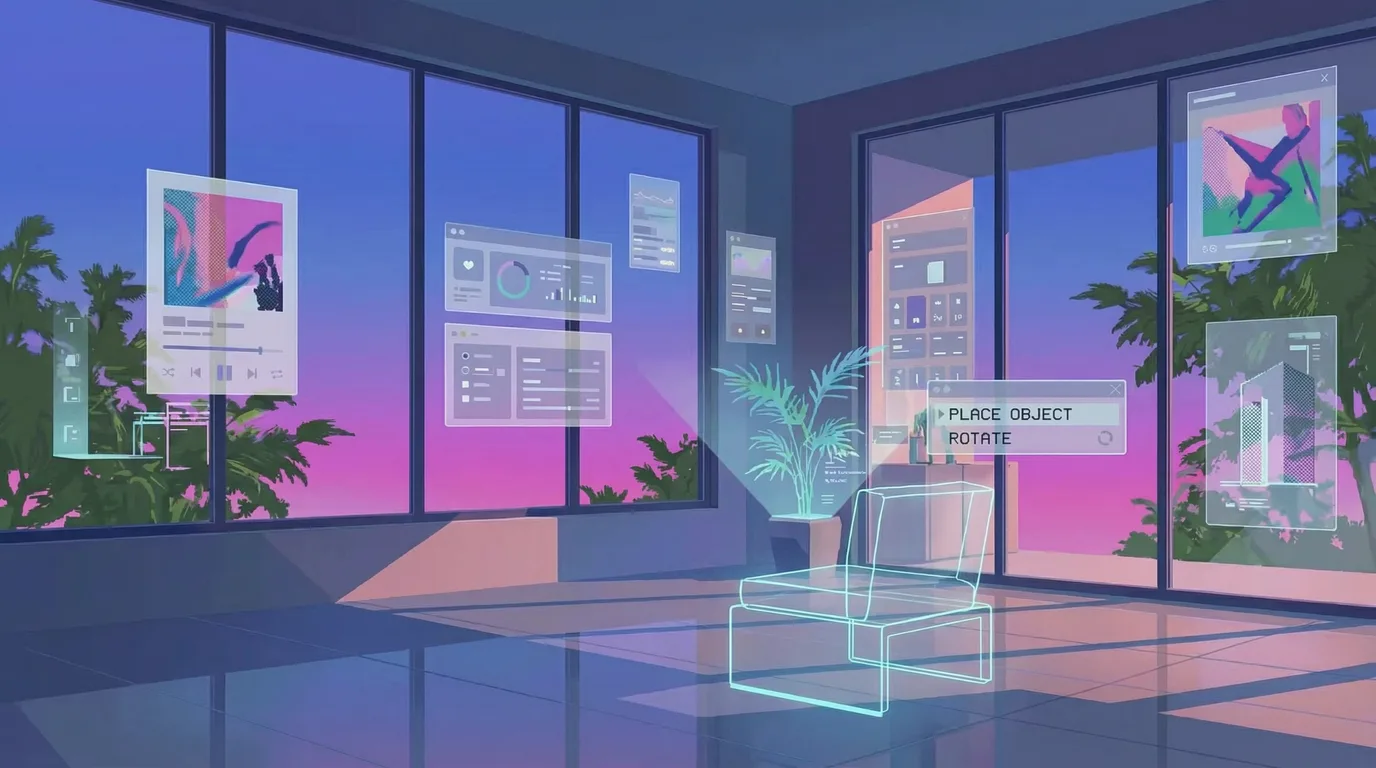
There's something strange about real estate: you sell something that doesn't exist. The apartment you're going to buy is still a hole in the ground. The building they show you is a render. The kitchen where you imagine drinking coffee is drawn on a computer.
bi·lab does real estate marketing and found a way to make AI renders that changed their workflow. This is their story.
The problem with traditional renders
Making a 3D render takes days. Modeling, textures, lighting, tweaks. By the time it's ready, the client has already seen three competitors' projects.
And the operational problem: every proposal required juggling different tools, different subscriptions, different tabs. 3D modeling on one side. Image generation on another. Video editing on a third.
From sketch to render with AI
What they built is direct.
They start with photos of the lot, the architect's sketches, basic mockups. That goes through Nano Banana Pro. Remix. The sketch becomes a photorealistic render. The empty lot now shows the building constructed.
If the client wants to see different lighting, a different angle, a different color palette - generate.
Virtual staging and video with AI
Then comes the part they couldn't do before.
They have photos of an empty apartment. With Nano Banana they generate the furnished version: furniture, natural light, plants on the balcony. Now they have two images: the before and the after.
That goes through Kling 2.6 with the last-frame option. The result is a video that transitions from one to the other. The empty space becomes a finished living room.
Those videos go to presentations. But also to Instagram, TikTok, anywhere the buyer is scrolling.
More iterations, less time
What changes when the cost of producing drops: before, every render was a bet. You'd invest days in something the client might reject.
Now the team can try more. Different times of day, different staging styles, different shots. If it doesn't work, generate another.
And it all happens in the same place. The render from the morning is the same file that turns into video in the afternoon.
Flipping: selling the transformation before doing it
There's another case where this gets even more useful: flipping. You buy a distressed property, invest in fixing it, and resell it for a higher price.
The problem is that to attract investors, you have to show the potential of something that today looks rough. An old, damp house is a hard sell. But that same house turned into a medical office complex or shared offices does spark interest.
bi·lab uses Endless to build those versions. They take photos of the property as it stands today and generate custom staging tailored to the target audience. They pitch the same old multi-bedroom house as an office system to one investor and as a medical clinic to another.
And it goes beyond swapping furniture. For the clinics: waiting room, exam beds, white tones, clinical lighting. For the offices: desks, chairs, file cabinets, books and credentials on the walls. Each version speaks directly to a different kind of buyer.
What used to require multiple 3D renders - one per scenario - is now variations you generate in the same work session. You tailor the offer to each specific audience without multiplying production time.
Does it replace 3D renders?
Not always. For a luxury brochure, hand-modeled work still has its place.
But for the initial proposal, social content, and client iteration: this is enough. And it's ten times faster.
bi·lab uses Endless for their AI rendering pipeline. You can see more of their work on Instagram.
Keep reading

150 assets in one week: how Aren't Lab built the visuals for Nick Carter's show
Behind the audio are screens, loops, transitions. Aren't Lab coordinated 150 images plus videos for Nick Carter's show in one week with Endless.
An AI campaign in 10 hours: inside the HakIAton
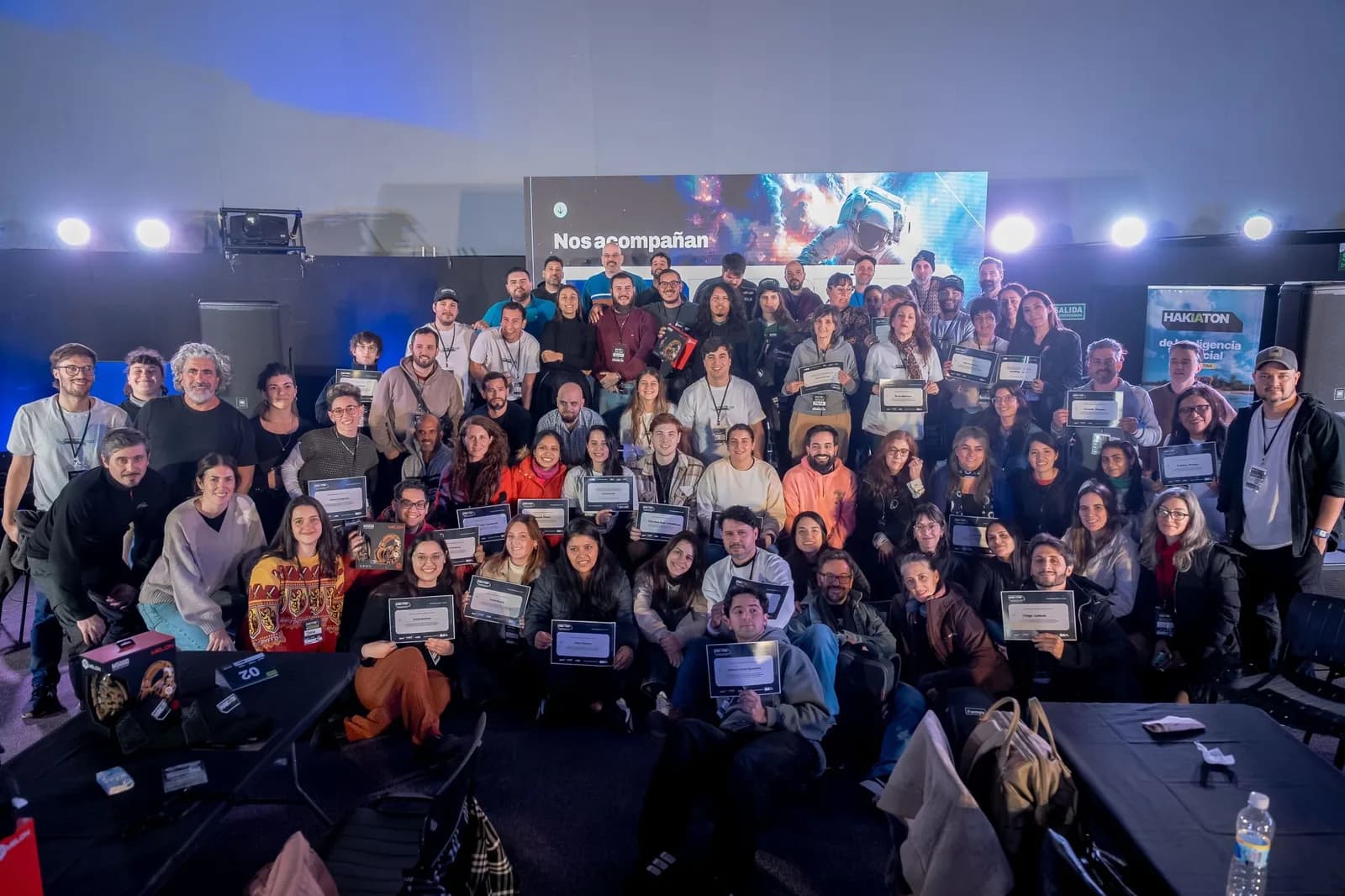
Last Saturday we were the official tool at Hak Team's HakIAton at Parque de la Innovación, Buenos Aires. 15 teams, Endless, a full campaign in one day. Here's what we saw from the room.

You're probably running your social strategy blind
After dozens of sales calls, I keep asking the same questions. Nobody has answers. The information exists. Nobody's looking at it.
Bring this to your team
Start creating with Endless: chat, image, video, transcripts, and social insight in one workspace.
Start free